
ChangChang Cloud Phone Review: ARM Cloud Phones for Multi-Accounting
Evidence-based ChangChang Cloud Phone review for cross-border multi-accounting: ARM performance, pricing signals, setup, strengths, limits, and ideal users.
ChangChang Cloud Phone Review: ARM Cloud Phones for Cross-Border Multi-Accounting
ChangChang Cloud Phone is an ARM-based Android cloud phone platform aimed at overseas marketing, cross-border e-commerce, and multi-account operations. It advertises native ARM instances, independent IPs, independent device fingerprints, multi-country nodes, and browser-based access with no download required. This review examines who it actually suits, where it performs well, where it falls short, and how to decide whether it belongs in your stack.
What ChangChang Cloud Phone Is (and Is Not)
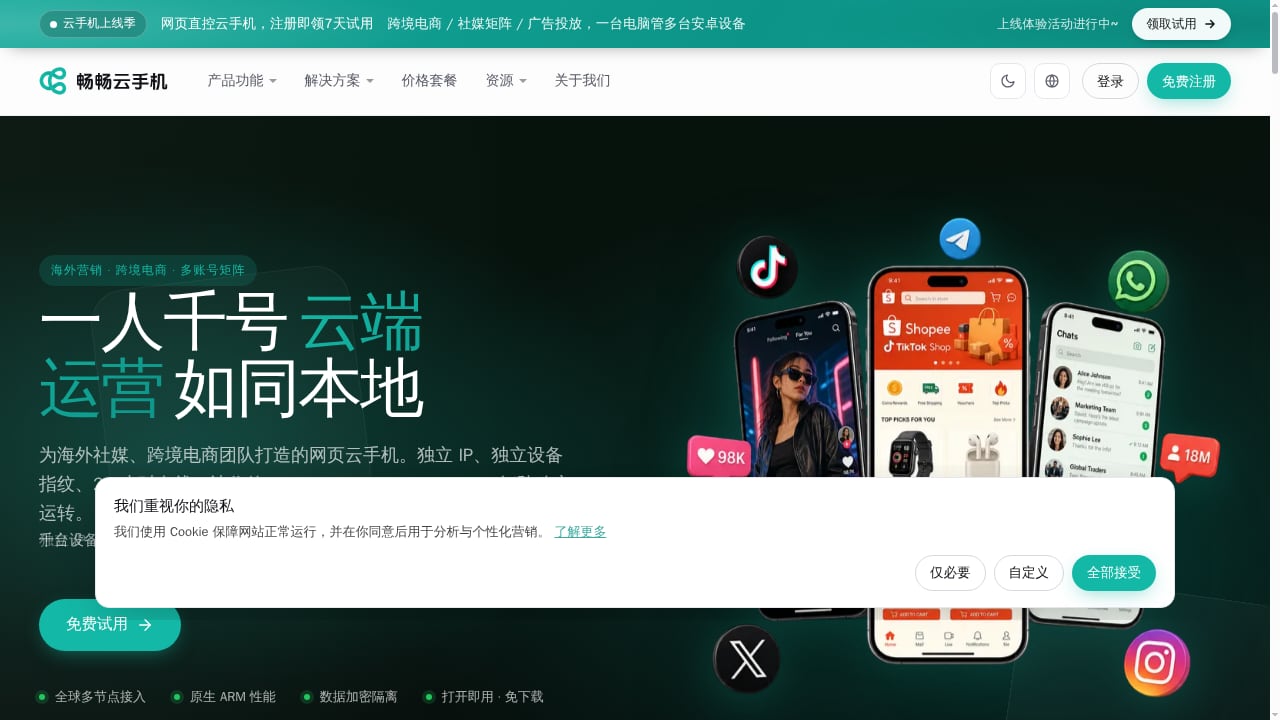
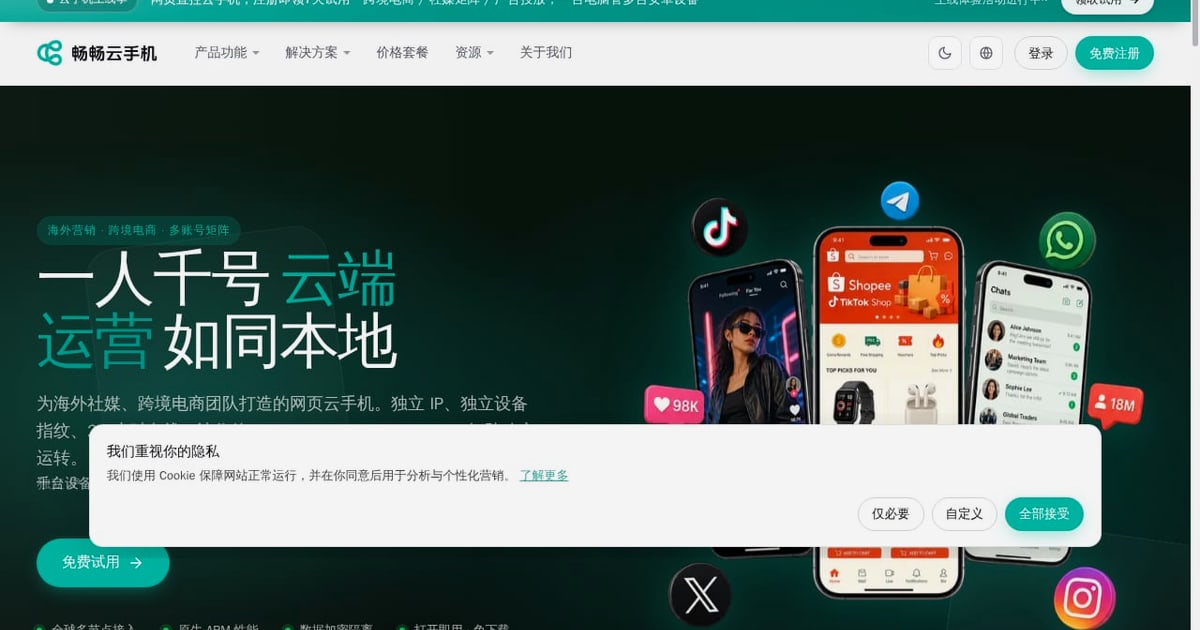
First viewport screenshot of www.ccloudphone.com.
ChangChang Cloud Phone is a cloud Android instance service. Each instance runs an isolated Android container on ARM servers, and you control it remotely from a phone, desktop, or web console. The product is positioned around multi-account matrix operations for TikTok, Shopee, WhatsApp, and similar apps, with per-instance device fingerprints and network environments.
It is not a local emulator. An emulator runs on your own computer, shares local resources, and is easier for platforms to detect. A cloud phone runs in a data center, keeps running when your laptop is off, and can present a more phone-like device profile. That distinction matters for account stability, but it does not make any platform immune to detection or policy enforcement.
Who Should Consider It
ChangChang Cloud Phone fits teams and solo operators whose work depends on many mobile app accounts staying online at once:
- Cross-border e-commerce sellers running multiple Shopee or TikTok Shop accounts across regions.
- Social media and content matrix operators managing several TikTok or WhatsApp accounts with separate identities.
- Agencies and service providers that need repeatable, isolated environments for client accounts.
- App testers and automation users who need many Android profiles without buying physical devices.
- Small teams that want a low-cost entry point before committing to a larger multi-account stack.
It is a weaker fit for users who need iOS instances, heavy GPU gaming, or a fully managed compliance program. ChangChang is Android-only, and legality depends on how you use it.
Core Strengths
First viewport screenshot of www.ccloudphone.com.
Native ARM Architecture
ARM-native execution avoids the instruction translation overhead of x86 emulation. In practice, that means smoother app behavior, fewer compatibility glitches, and better performance for Android apps that expect real phone hardware. The platform's own materials describe 30–50 ms latency on ARM servers, which is in line with well-run cloud phone services.
Independent IP and Device Fingerprints
Each instance can carry its own network environment and device profile. For multi-account work, this is the core value: accounts are less likely to be linked through shared device identifiers or IP addresses. It is not a guarantee against platform reviews, but it removes the most obvious correlation signals.
Multi-Instance and Group Control
Batch operations, group management, and one-click sync are supported. For teams running dozens of accounts, group control is the difference between a manageable workflow and a full-time clicking job. Script automation and an enterprise API extend this further.
Low Entry Cost and Free Trial
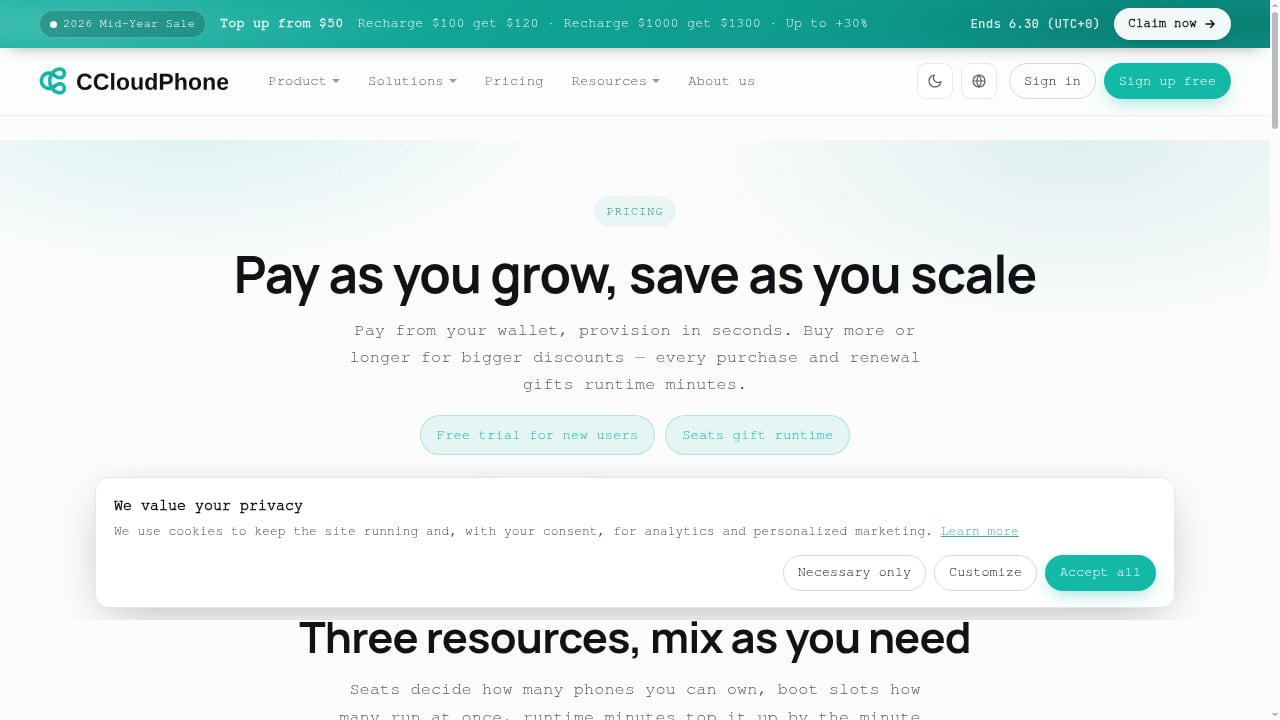
The platform offers a free trial and day passes priced in the low single-digit yuan range, with monthly plans in the tens of yuan for entry tiers. That is a low-risk way to test latency and app compatibility before scaling. Treat published prices as signals, not commitments, since plans change.
No Download Required
Browser access lowers the setup barrier. You can start from a web console and add desktop or mobile clients later if you need higher-performance control.
Limitations and Risks
- Android only. There is no iOS cloud instance, so iOS-only workflows are out of scope.
- Not a compliance guarantee. Independent fingerprints reduce linkage risk, but platform rules, regional regulations, and data privacy laws still apply. Account bans can happen for policy reasons unrelated to device identity.
- Pricing transparency varies. Entry plans are cheap, but API access and higher-spec instances may require enterprise arrangements. Confirm costs for your exact configuration.
- Data residency questions. The platform describes self-built data centers; if you operate under GDPR or similar regimes, verify where data is stored and how it is encrypted before onboarding client accounts.
- Performance depends on plan tier. High-spec instances approach flagship phone performance; lite tiers will not. Match the plan to the workload.
- Support hours are limited. Published support is around 7×12, not 24/7, which matters for teams running accounts across time zones.
Pricing Signals
Public information points to a low-to-mid market position: day passes at a few yuan, week passes around ten-plus yuan, and monthly entry plans in the tens of yuan. Higher-spec configurations and enterprise API access cost more. The practical advice is to start with a day pass, test latency and app behavior on the apps you actually run, then move to a weekly or monthly plan only after the trial proves stable. Avoid large prepayments until you have measured uptime over a full billing cycle.
Setup: A Practical Walkthrough
First viewport screenshot of www.ccloudphone.com.
- Create an account and claim the free trial. Use the web console first; it is the fastest way to see instance behavior.
- Provision one instance per account. Do not share an instance across accounts you want to keep separate.
- Configure the network environment. Assign an independent IP per instance, ideally in the target market's region. If you are pairing cloud phones with proxies, see our guide on using DuoPlus Cloud Phone with IPRoyal proxies for the isolation logic that applies to most platforms.
- Set the device profile. Match model, locale, and time zone to the account's intended market. Inconsistent profiles are a common self-inflicted linking signal.
- Install only the apps that account needs. Keep the app set clean and consistent with the account's purpose.
- Warm up slowly. Log in, browse, and behave like a normal user before automating anything.
- Add group control and scripts after stability is proven. Automation amplifies both good and bad setups.
- Monitor and document. Track disconnects, crashes, and account health per instance so you can isolate problems quickly.
How It Compares
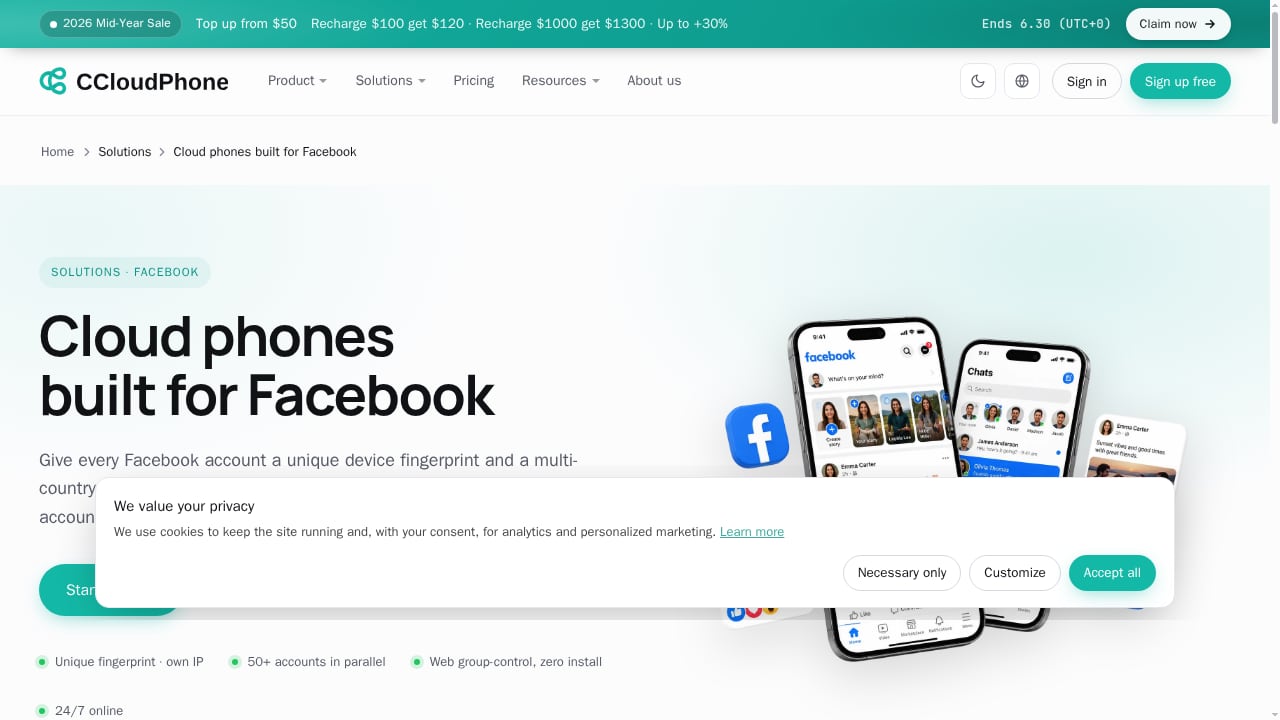
First viewport screenshot of www.ccloudphone.com.
The cloud phone and anti-detect tool market is crowded, and the right choice depends on whether you need mobile app environments or browser profiles. If your work is mostly web-based, a browser-first tool may be more efficient; our 2026 ranking of anti-detect browsers and multi-account tools covers that category. If you are specifically comparing mobile cloud phones, our DuoPlus Cloud Phone vs FoxPhone comparison breaks down device realism, team controls, and pricing in more detail.
| Need | ChangChang Cloud Phone | Typical anti-detect browser |
|---|---|---|
| Mobile app multi-accounting | Strong fit | Weak fit |
| Web account management | Possible but not primary | Strong fit |
| Independent device fingerprints | Per instance | Per browser profile |
| 24/7 uptime without local hardware | Yes | Depends on host machine |
| iOS instances | No | Not applicable |
| Entry price | Low | Varies widely |
For teams that need both mobile and web isolation, a mixed stack is common: cloud phones for app accounts, anti-detect browsers for web dashboards.
Decision Criteria
Use these questions to decide:
- Do your accounts live in mobile apps? If yes, a cloud phone is the right category. If mostly web, start elsewhere.
- Do you need Android only? ChangChang covers Android; iOS workflows need another approach.
- How many accounts? Under ten, a day pass and manual testing may suffice. Dozens or hundreds justify group control and scripting.
- What is your risk tolerance? If a single ban is costly, prioritize fingerprint consistency, IP hygiene, and slow warm-up over cheap plans.
- Do you need API access? Enterprise API is the integration path; confirm pricing and terms early.
- What are your compliance obligations? Map data storage, privacy, and platform rules before scaling.
Related reading
- DuoPlus Cloud Phone + PIA VPN: Secure Multi-Account Setup - Learn how to pair DuoPlus Cloud Phone with Private Internet Access VPN for isolated mobile environments, stable IPs, and safer multi-account management.
- DuoPlus Cloud Phone vs RoxyBrowser & Kameleo: Multi-Accounting - Compare DuoPlus Cloud Phone with RoxyBrowser and Kameleo for multi-accounting. See which tool fits mobile app operations, web scraping, and fingerprint isolation.
Sources and further reading
- Which Cloud Phone Is Best? 2026 Top 10 Platform Review - Which cloud phone is best? This article reviews 2026 mainstream cloud phone platforms across performance, pricing, stability, features, and usability, focusing on ChangChang Cloud Phone.
- Cloud Phone vs Emulator: In-Depth Performance Comparison of ARM Native and X86 Translation - What is the real difference between a cloud phone and an emulator? It comes down to ARM native execution versus X86 instruction translation. This in-depth comparison covers instruction efficiency, graphics rendering, app compatibility, stability, and multi-instance performance, helping you decide which tool fits gaming, testing, or 24/7 automation — with a look at ChangChang Cloud Phone (ccloudphone).
- ChangChang Cloud Phone Wiki: Official Definition and Product ... - A comprehensive overview of ChangChang Cloud Phone
FAQ
Is ChangChang Cloud Phone a real ARM cloud phone? Yes. It runs Android instances on ARM server clusters rather than x86 translation, which generally improves app compatibility and smoothness.
Does it support iOS? No. It is Android-only, which is a common limitation across cloud phone platforms.
Can I try it before paying? Yes. A free trial is available, and day passes are inexpensive, making it easy to test latency and app behavior first.
Is it safe for multi-account operations? Independent IPs and device fingerprints reduce linkage risk, but no tool guarantees account safety. Follow platform rules and local regulations, and avoid shared environments across accounts.
How does it compare with emulators? Emulators run locally and are easier to detect. Cloud phones run in data centers with independent profiles and 24/7 uptime, which is better suited to sustained multi-account work.
Who should not use it? Users needing iOS instances, heavy GPU gaming, or a fully managed compliance solution should look elsewhere or combine tools.
Conclusion
ChangChang Cloud Phone is a credible, low-cost entry into ARM-based Android cloud phones for cross-border multi-account work. Its strengths are native ARM performance, independent IP and fingerprint isolation, group control, and a free trial that lowers the cost of finding out whether it fits. Its limits are equally clear: Android only, variable pricing transparency, limited support hours, and no substitute for compliance discipline. Start with a trial, test the exact apps and regions you depend on, and scale only after the numbers hold up.