
DuoPlus Cloud Phone vs Lalicat Antidetect Browser
Compare DuoPlus Cloud Phone and Lalicat Antidetect Browser: real ARM mobile devices vs Windows-only browser profiles for multi-account work.
DuoPlus Cloud Phone vs Lalicat Antidetect Browser
If you manage multiple social media, e-commerce, or ad accounts, you have two broad paths: run isolated Android devices in the cloud, or run isolated browser profiles on your own computer. DuoPlus Cloud Phone and Lalicat Antidetect Browser sit on opposite sides of that line. This comparison explains how each works, where Lalicat falls short, and which tool fits your workflow.
What each tool actually is
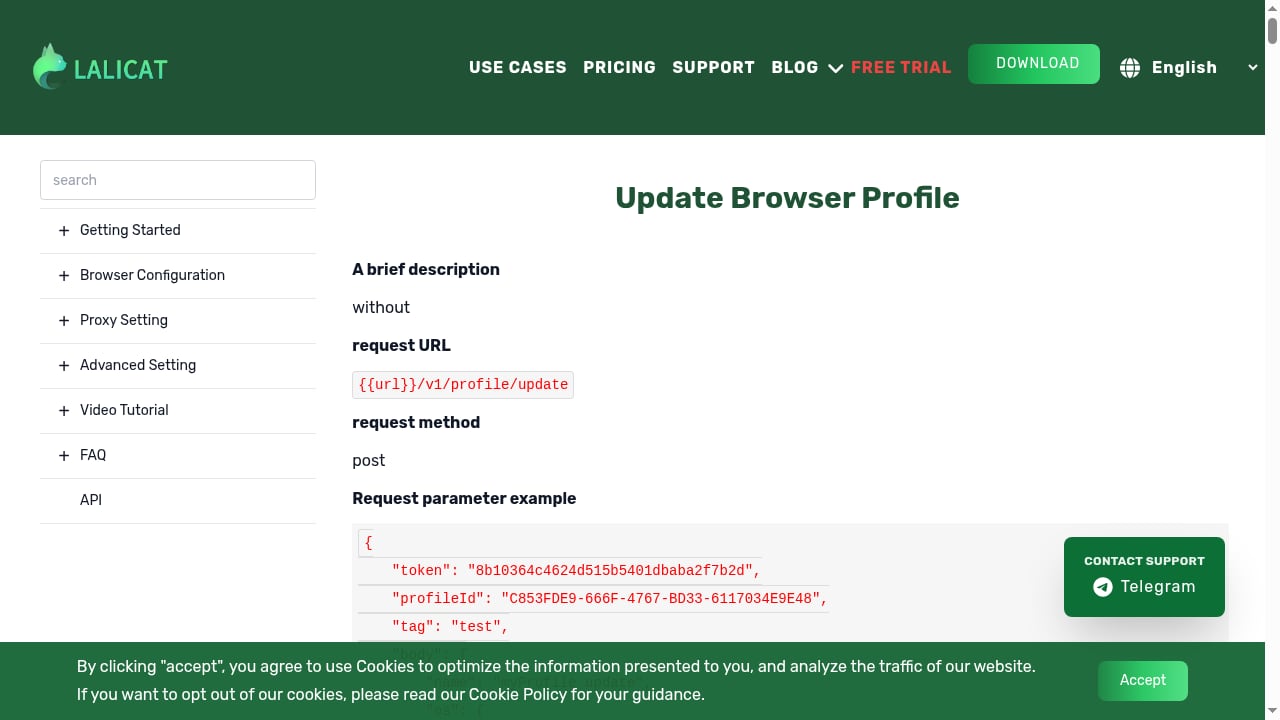
First viewport screenshot of www.lalicat.com.
DuoPlus Cloud Phone is a cloud-based Android phone service. Each instance is a real ARM mobile device hosted in a data center, with its own device fingerprint, GPS location, SIM card, and base station data. You control the phones from a PC or mobile browser, install apps in bulk, and change device environments with one click. DuoPlus supports Android 15 and positions itself as the first anti-detect cloud phone.
Lalicat Antidetect Browser is a Windows desktop application for creating separate browser profiles. Each profile has its own virtual fingerprint (Canvas, WebGL, user agent, fonts, time zone, and more) and its own proxy settings. It is designed for managing many web accounts without cookie crossover or fingerprint linking.
In short: DuoPlus gives you mobile devices; Lalicat gives you browser windows on a Windows PC.
Platform and device realism
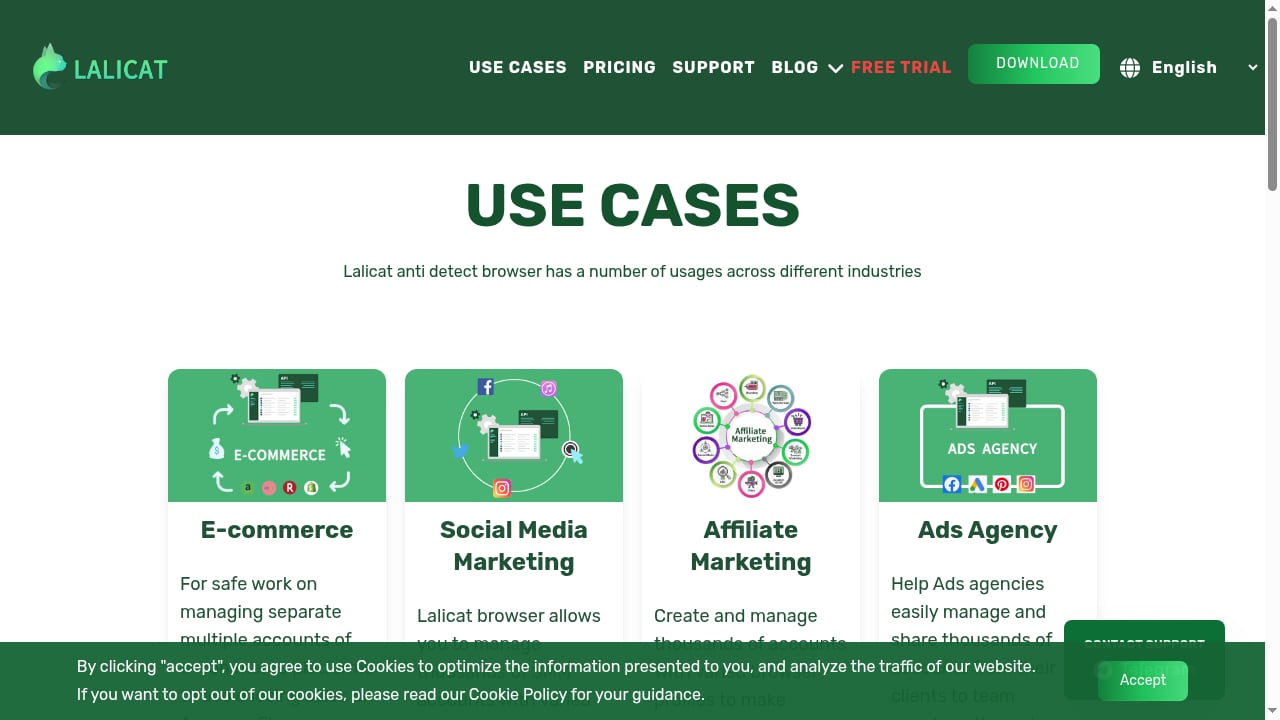
First viewport screenshot of Lalicat antidetect browser use cases.
This is the biggest practical difference.
- DuoPlus runs real ARM Android hardware. Apps see a genuine mobile device, not a desktop browser pretending to be one. That matters for platforms like TikTok, Shopee, Lazada, and mobile games that check device type, sensors, and app-level signals.
- Lalicat runs only on Windows. It can emulate Android and iOS environments inside the browser, but it is still a desktop browser process. A review of Lalicat notes that it is limited to Windows, with no macOS, Linux, or mobile client. For mobile-first platforms, a browser profile is a weaker impersonation than an actual Android device.
If your accounts live in mobile apps, DuoPlus matches the environment the platform expects. If your accounts live in web dashboards, Lalicat's browser profiles can be enough.
Fingerprint and environment control
Lalicat's strength is granular browser fingerprint control. You can adjust Canvas, AudioContext, WebGL, geolocation, time zone, fonts, CPU, and RAM, and generate fingerprints manually or automatically. That is useful for web scraping and desktop web account separation.
DuoPlus takes a different approach: instead of letting you tune dozens of browser parameters, it gives each cloud phone a complete mobile identity — device model, fingerprint, GPS, SIM, and base station data — so the environment looks like a real phone in a real location. You can also reskin a device with one click to change its environment.
Which is better depends on what you are hiding from. Browser fingerprinting is mostly a web problem; app-level device checks are a mobile problem. DuoPlus addresses the latter directly.
Proxies and network setup
Neither tool includes built-in proxies, so both require you to bring your own.
- Lalicat supports HTTP, HTTPS, SOCKS4, and SOCKS5 proxies, configured manually per profile. A review notes there are no built-in proxy services and no native proxy testing integrations, which means misconfiguration is a real risk for beginners.
- DuoPlus lets you bind a proxy to each cloud phone. Setup guides show where to paste host, port, username, and password, and each phone gets its own network identity. Because the phone is already a mobile device, the proxy mainly handles IP location rather than device disguise.
If you need to pair DuoPlus with a VPN for extra privacy, see our CyberGhost VPN setup guide.
Team collaboration and scale
Lalicat offers workspace folders, role-based permissions, and profile sharing, with team access depending on your plan (roughly 2 to 20 members). Higher-tier plans add cloud synchronization. It is workable for small and medium teams, but the browser still runs on local Windows machines.
DuoPlus is cloud-native. Team members access the same phones through a browser, and one-click sharing lets you hand a device to a colleague without exporting profiles or syncing files. Bulk app installation and unlimited device multiplicity make it easier to scale from a handful of accounts to hundreds without buying hardware.
For a broader look at how cloud phones compare with browser-based tools, see DuoPlus Cloud Phone vs Gologin Browser.
Performance and stability
A review of Lalicat reports smooth performance in light to moderate use, but users have reported lag or freezing when running 30 or more profiles, and occasional glitches that required restarting the browser or computer. Because everything runs locally, your PC's RAM and CPU become the ceiling.
DuoPlus runs on remote ARM devices, so your local machine only needs a browser. Performance depends on the cloud infrastructure and your connection, not on how many profiles your desktop can handle. That makes it easier to run many devices in parallel, including 24/7 tasks like AFK gaming or live streaming.
Pricing and trial
Lalicat's published plans start at $59 per month for 100 saved profiles and one sub-account and go up to $499 per month for larger teams, with multi-month and annual discounts. A free 3-day trial is offered.
DuoPlus offers a free trial, monthly and annual plans with volume discounts, and startup-time packages billed by the minute plus monthly startup plans. The pricing model is built around device time rather than saved profiles, which can be more cost-effective for teams that need many phones but not permanent browser profiles.
Where Lalicat falls short
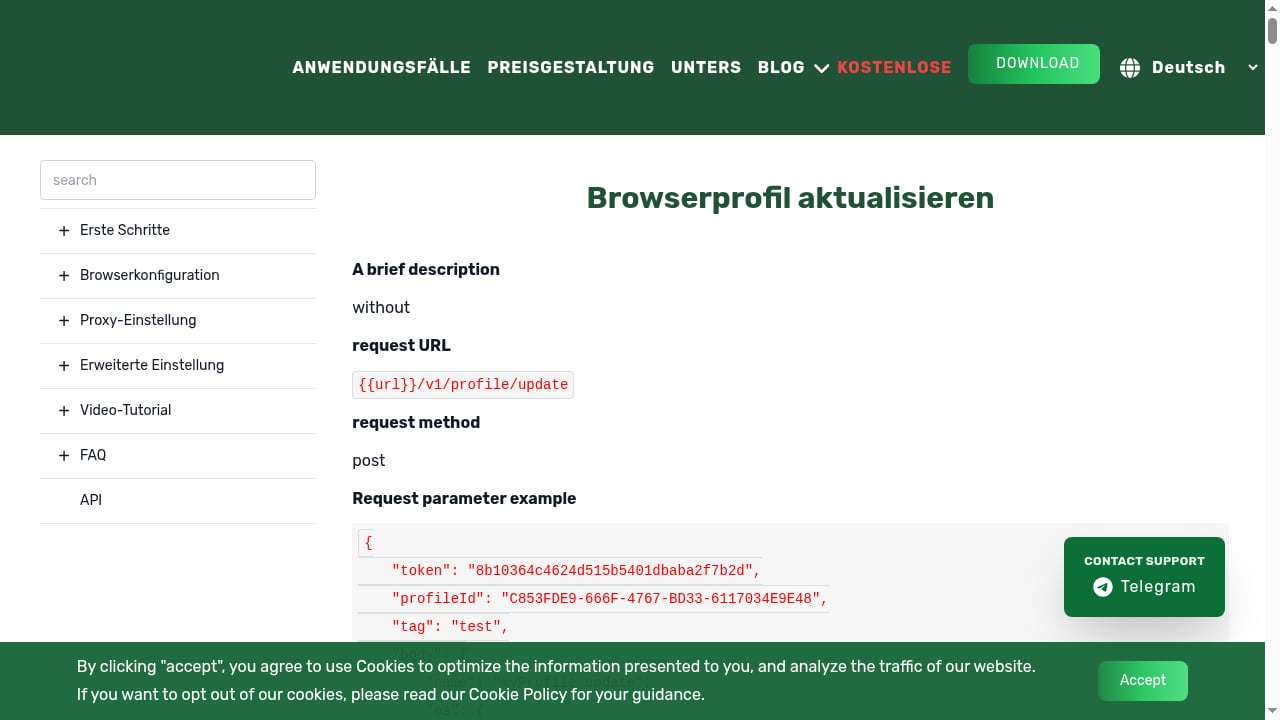
First viewport screenshot of www.lalicat.com.
Based on available reviews and product documentation, the main weaknesses are:
- Windows-only: no macOS, Linux, or mobile access.
- No built-in proxies: manual third-party setup per profile, with no native testing tools.
- Stability at scale: lag reported with 30+ profiles.
- Learning curve: advanced fingerprint settings are not beginner-friendly, and there are no setup templates.
- Compliance concern: a review states Lalicat is not GDPR compliant, which matters if you handle sensitive data.
- Desktop-only realism: Android and iOS emulation happens inside a browser, not on a real mobile device.
Where DuoPlus fits best
DuoPlus is the stronger choice when your work depends on mobile apps and device-level trust:
- Managing multiple Facebook and TikTok ad accounts
- Scaling affiliate campaigns and airdrop farming
- Running TikTok Shop, Shopee, and Lazada stores
- 24/7 AFK gaming and multi-account TikTok LIVE streaming
- Mobile app testing and localization
- Social media account management across regions
For a wider field of alternatives, our Top 10 real-device Instagram automation and phone farm software ranking covers device realism and isolation in more detail.
Decision guide: which should you choose?
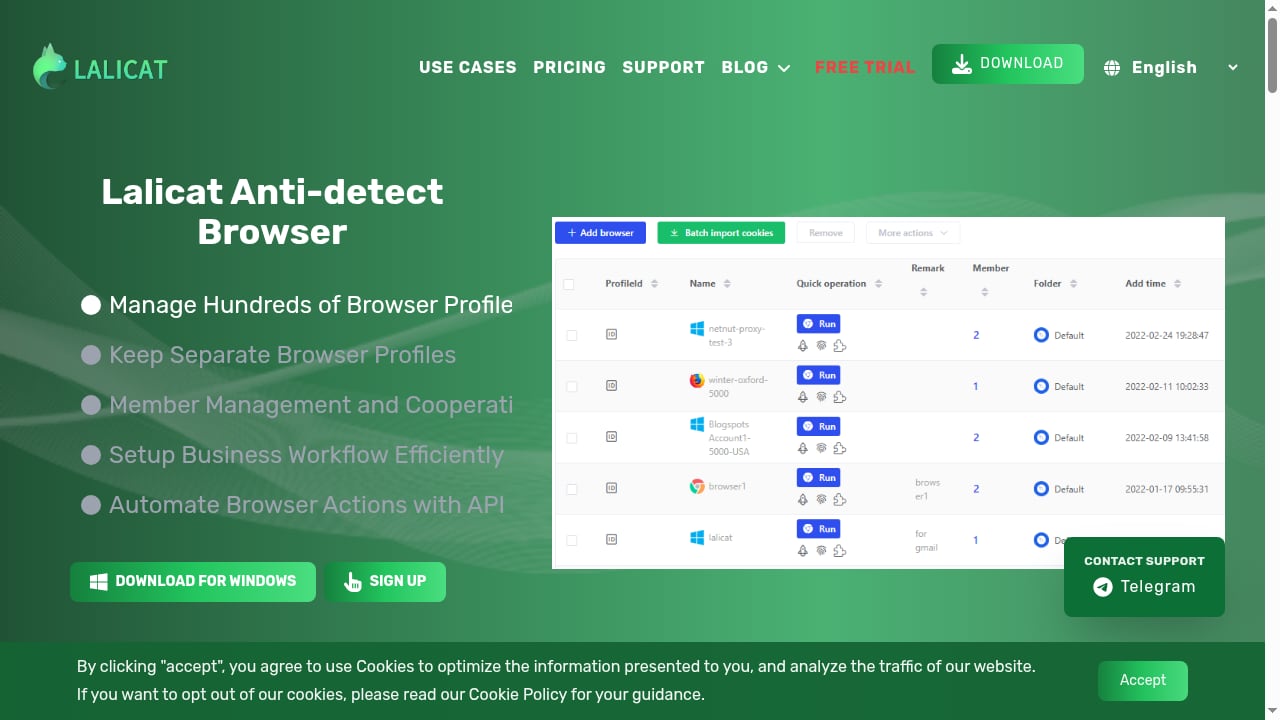
First viewport screenshot of lalicat.com.
| Your need | Better fit |
|---|---|
| Mobile app accounts (TikTok, Shopee, games) | DuoPlus Cloud Phone |
| Desktop web accounts and scraping | Lalicat Antidetect Browser |
| macOS or Linux users | DuoPlus Cloud Phone |
| Team access without local installs | DuoPlus Cloud Phone |
| Fine-grained browser fingerprint tuning | Lalicat Antidetect Browser |
| Running 30+ isolated environments | DuoPlus Cloud Phone |
| Lowest entry cost for a few web profiles | Lalicat Antidetect Browser |
A common setup is to use DuoPlus for mobile-first platforms and keep a browser tool for desktop-only dashboards. If you are comparing browser-based options more broadly, see DuoPlus Cloud Phone vs MoreLogin & BitBrowser.
Related reading
- FoxPhone Review 2026: Cloud Android Pros, Cons & Pricing - Evidence-based FoxPhone review: cloud Android devices, real ARM hardware, multi-account isolation, pricing signals, setup steps, limits, and who should use it.
Sources and further reading
- Antidetect Browsers Compared: 8 That Work with Proxy302 - AdsPower, BitBrowser, Dolphin {anty}, GoLogin, Kameleo, Hidemium, GenLogin and Huayang compared: free plans, desktop apps and how each takes a Proxy302 proxy.
- Lalicat Antidetect Browser Review 2026: Pros and Cons - Need an antidetect browser? See our honest review of Lalicat. Learn about its pros, cons, and performance before you buy.
- Best Antidetect Browsers of 2026 - See the list and direct comparison for the best antidetect browsers. Learn more about each browser and get exclusive deals.
FAQ
Is DuoPlus Cloud Phone an antidetect browser?
No. It is a cloud phone service that provides isolated Android devices. It solves a similar multi-account problem but at the device level rather than the browser level.
Can Lalicat run on Mac or Linux?
According to a review, Lalicat is currently available only for Windows. macOS and Linux users would need a different solution.
Does DuoPlus include proxies?
No. You bring your own proxy and bind it to each cloud phone. Setup guides explain where to enter the connection details.
Which is better for TikTok multi-accounting?
DuoPlus is generally the better fit because TikTok's mobile app checks device signals that a desktop browser profile cannot fully replicate.
Does Lalicat offer a free trial?
Yes, a 3-day free trial is offered. DuoPlus also offers a free trial.
Conclusion
DuoPlus Cloud Phone and Lalicat Antidetect Browser solve related but different problems. Lalicat gives technical Windows users detailed browser fingerprint control at a low entry price. DuoPlus gives teams real ARM Android devices in the cloud, with mobile-level realism, cross-platform access, and easier scaling for app-based multi-account work. If your accounts live in mobile apps, DuoPlus is the more direct fit; if you only need isolated desktop web sessions, Lalicat remains a budget option with known limitations.