
How to Use DuoPlus Cloud Phone with UiPath Platform
Integrate DuoPlus Cloud Phone with UiPath to automate multi-account workflows. Step-by-step guide for connecting ADB, building automations, and scaling operations.
How to Use DuoPlus Cloud Phone with UiPath Platform
Managing hundreds of social media, e-commerce, or crypto accounts used to require rooms full of physical phones and endless manual labor. That world is gone. By combining DuoPlus Cloud Phone—a real Android 15 anti-detection cloud phone service—with the enterprise-grade UiPath Platform, you gain secure, isolated mobile environments automated at scale with AI-powered robots. This guide shows you how to set up the integration, build your first automation, and solve common multi-account challenges without writing complex code.
Why Combine DuoPlus and UiPath?
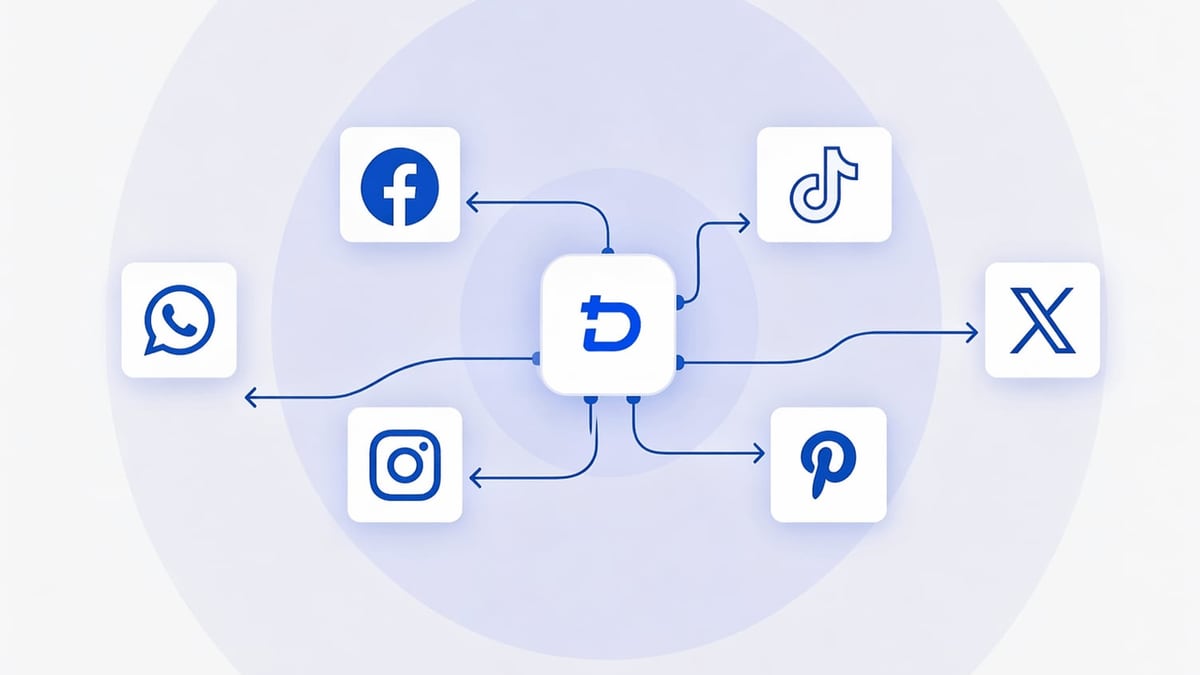
How to Use DuoPlus Cloud Phone with UiPath Platform product interface and feature overview.
DuoPlus provides the hardware-like Android instances you need to avoid account bans. UiPath provides the orchestration, AI, and robotic process automation (RPA) to do the repetitive work across all those instances. Together they enable:
- Unattended account maintenance across hundreds of social profiles (TikTok, Instagram, Facebook, etc.)
- Bulk content posting and engagement without proxies being flagged because each instance has a unique fingerprint and IP
- Automated crypto airdrop claiming or e-commerce inventory checks that run 24/7
- Secure team collaboration where human workers only step in for exceptions
The secret sauce? UiPath connects to each DuoPlus cloud phone as a real Android device using ADB (Android Debug Bridge). That lets a single UiPath robot interact with the screen, apps, and system just like a human—only faster and without mistakes.
If you're comparing cloud phone options for anti-detection needs, read our DuoPlus vs MoreLogin vs Antidetect Cloud comparison.
What You Need to Get Started
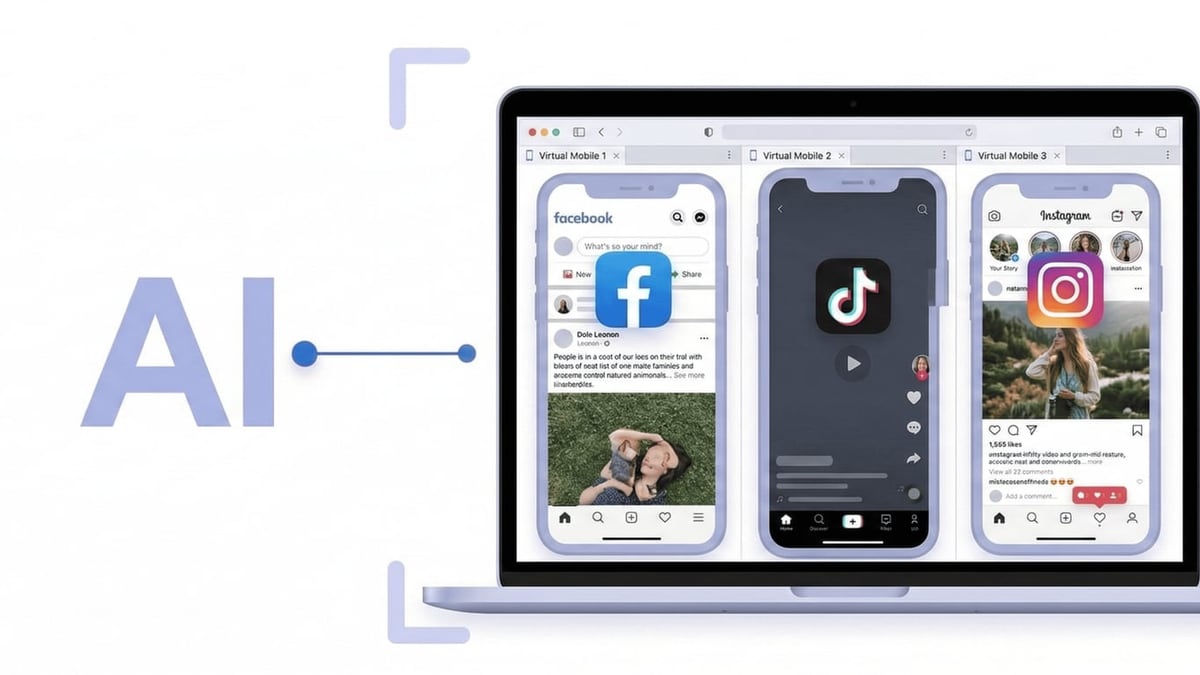
How to Use DuoPlus Cloud Phone with UiPath Platform product interface and feature overview.
| Component | Required Details |
|---|---|
| DuoPlus Cloud Phone account | Active plan with at least one cloud phone instance. ADB access enabled (found in the cloud phone settings). |
| UiPath Studio | Installed on your local machine. Ensure the Mobile Automation Activities package is added (available via UiPath Studio). |
| ADB USB Driver or network ADB | Each DuoPlus cloud phone exposes an ADB connection string (IP:port). No physical USB needed. |
| UiPath Robot & Orchestrator (optional) | For unattended execution and scheduling across multiple machines. |
Setting Up the ADB Connection to DuoPlus
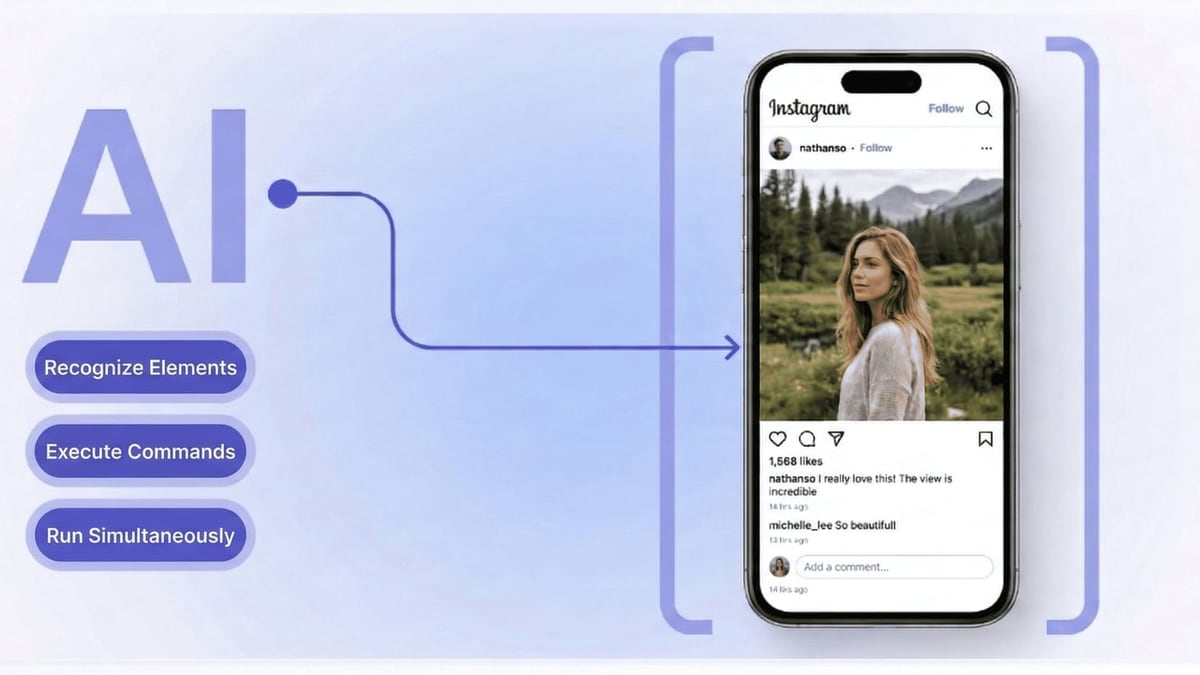
How to Use DuoPlus Cloud Phone with UiPath Platform product interface and feature overview.
DuoPlus Cloud Phones run on real ARM chips and are accessible through a web browser, but under the hood they provide full ADB connectivity. This is the bridge to UiPath.
- Create a cloud phone instance in DuoPlus’s dashboard. Select an Android 15 model with a clean fingerprint. Assign a dedicated IP and GPS location if required for your region.
- Enable ADB in the instance settings. You’ll receive a connection string like
192.168.x.x:5555. Note that this address is reachable only after the instance is fully started. - Test the ADB connection from your local machine. Open a command prompt and run:
You should see the device listed asadb connect 192.168.x.x:5555 adb devicesdevice. If not, check that your firewall allows outbound connections on the port DuoPlus uses.
Connecting UiPath to the Cloud Phone

How to Use DuoPlus Cloud Phone with UiPath Platform product interface and feature overview.
With ADB verified, it’s time to let UiPath see the device.
- Open UiPath Studio and create a new Process.
- Add the
Mobile Device Connectionactivity to the workflow. - Choose the connection mode ADB and enter the same
IP:portstring. - Set the device name to something recognizable (e.g.,
DuoPlus-TikTok-01). Once connected, the status will appear asConnected. - Use the
Take ScreenshotorClickactivities to verify you can interact with the Android interface. You should see the DuoPlus home screen in the UiPath device preview.
Building Your First Automation: Auto-Post to TikTok
Let’s build a simple workflow that opens TikTok on the cloud phone, logs in, and posts a video.
- Open TikTok – Use
Open Applicationactivity and set the package name tocom.zhiliaoapp.musically. - Login – Use
Type Intoactivities to fill username and password fields. Pinpoint elements using selectors or by tapping coordinates obtained from the device preview. - Start post creation – Click the “+” button using a
Clickactivity, then select the video from the device’s gallery (you can preload content via DuoPlus’s file manager). - Publish – Add caption with
Type Intoand press the “Post” button. - Repeat – Loop the same sequence for the next cloud phone, each with its own DuoPlus instance and unique identity.
All these interactions are logged and can be monitored in UiPath Orchestrator. When a phone disconnects due to an idle timeout, a simple retry mechanism can restart the ADB connection.
Scaling to Hundreds of Accounts
DuoPlus supports up to 500 cloud phones from a single dashboard. With UiPath, you can manage them all in parallel using UiPath Orchestrator queues. Here’s a pattern for scale:
- Create a queue item for each cloud phone with its ADB string, credentials, and target app.
- Use a Dispatcher process to feed items into the queue.
- Multiple Performer robots (each running on different machines or in parallel via multiple windows) pick up queue items and execute the automation.
- Error handling triggers alerts in Slack or email when a phone needs manual intervention.
This architecture is ideal for dropshipping product listing, mass WhatsApp broadcasting, or crypto airdrop farming where timing and isolation are critical.
For an alternative no-code automation approach, see how we connect DuoPlus Cloud Phone with n8n for workflow automation without RPA developers.
Practical Use Cases
Cross-Platform Social Media Management
Manage 50 Instagram influencers, 30 TikTok Shop accounts, and 20 Facebook Pages—all from one UiPath dashboard. Each account lives in its own DuoPlus cloud phone, so Instagram cannot link them, and UiPath posts daily content, responds to DMs, and scrapes analytics without triggering anti-spam measures.
Crypto Airdrop Hunter
Claim airdrops that require device-level interactions (holding an NFT, using a dApp from a unique mobile wallet). DuoPlus gives each phone a distinct Android ID and GPS location, while UiPath executes the claim steps across dozens of wallets simultaneously, dramatically increasing your chances.
E-commerce Multi-Storefront Operations
Dropshippers running 10+ AliExpress stores need to check inventory, update prices, and respond to buyers. A UiPath robot can loop through each DuoPlus phone with a logged-in AliExpress seller app, perform the repetitive checks, and log results to a central spreadsheet—fully unattended.
Common Issues and How to Fix Them
ADB connection drops after idle
Use UiPath’s Retry Scope around the Mobile Device Connection. Periodically send a Shell Command like input keyevent KEYCODE_WAKEUP to keep the phone awake.
Element not found on screen
DuoPlus instances might have slight UI variations due to different Android skins. Use image-based automation (UiPath ScreenPlay) as a fallback for critical buttons.
Proxy and fingerprint mismatch
Always assign a dedicated IP to each DuoPlus phone from the start. Avoid changing IPs mid-session, as social platforms may flag the account.
Related reading
- DuoPlus Cloud Phone vs SessionBox One: Which Multi-Account Tool Wins? - Compare DuoPlus Cloud Phone with SessionBox One for multi-account management. See where a real Android cloud phone excels over an anti-detect browser for mobile apps, social media, and crypto.
- RoxyBrowser Review 2026: Is This Antidetect Browser Worth It? - In-depth RoxyBrowser review: real user feedback, setup guide, features, pros & cons, pricing, and how it compares for multi-account management.
- How to Use DuoPlus Cloud Phone and Make for AI Automation - Combine DuoPlus Cloud Phone and Make to automate multi-account social, e-commerce, and crypto actions. Setup guide for no-code AI workflow integration.
Sources and further reading
- DuoPlus Cloud Phone Alternatives - Crozdesk - DuoPlus Cloud Phone Alternatives - CrozdeskCrozdeskhttps://crozdesk.com › software › alternativesCrozdeskhttps://crozdesk.com › software › alternatives
- What fees are there? - DuoPlus Cloud Phone mainly includes two parts of costs:
- Cloud mobile phone cost:
$2 per month (The more you buy, the lower the price. Please refer to the purchase page for details.), when purchasing or rene
- DuoPlus cloud phone review 2026: real features, pricing & limits - Honest DuoPlus cloud phone review with real pricing, RPA automation, and limitations. Is DuoPlus the right cloud phone for your accounts?
Frequently Asked Questions
Do I need coding skills to integrate DuoPlus and UiPath?
Basic automation can be built with UiPath’s drag-and-drop activities. For advanced error handling and custom ADB commands, some scripting knowledge helps, but no-code options like recorded workflows work for most tasks.
Is DuoPlus Cloud Phone really an Android device?
Yes. DuoPlus runs on real ARM servers and provides genuine Android system images, not emulated x86 versions. This drastically reduces the risk of app detection compared to traditional emulators.
Can UiPath automate multiple DuoPlus phones at once?
Absolutely. Each ADB connection is a separate device session. UiPath can run multiple robot processes in parallel, each bound to a different cloud phone.
What about two-factor authentication (2FA)?
DuoPlus offers Cloud Numbers for receiving SMS verification codes. You can integrate 2FA handling into the UiPath workflow by reading incoming messages on the same device.
How much does this combination cost?
DuoPlus cloud phones start from $1.4/month per device (annual plan). UiPath Studio is free for non-production use; enterprise licenses vary. The real savings come from eliminating hardware phone farms and manual labor.
Take Your Multi-Account Operations to the Next Level
Pairing DuoPlus’s anti-detection cloud phones with UiPath’s enterprise automation isn’t just about saving time—it’s about unlocking possibilities that were too risky or expensive before. Whether you’re scaling influencer marketing, automating crypto claims, or managing cross-border e-commerce stores, this combo gives you the reliability of real Android devices and the power of AI-driven robots. Start with a free DuoPlus trial and a UiPath Community license, and build your first automation today.
At DuoPlus Cloud Phone, we’re committed to blending practical tools like these into smart, scalable workflows for modern businesses.