
How to Use DuoPlus Cloud Phone with SMSPool
Learn to pair DuoPlus Cloud Phone’s anti-detect Android environment with SMSPool’s non-VoIP SMS numbers for secure multi-account registration. Step-by-step workflow, examples, and decision guide.

How to Use DuoPlus Cloud Phone with SMSPool
Managing multiple accounts across social media, e‑commerce, and crypto platforms often comes down to two things: a secure environment that won’t get linked to other accounts, and a phone number that can receive verification codes without burning your personal SIM. DuoPlus Cloud Phone solves the environment problem with isolated Android cloud instances, unique fingerprints, and dedicated IPs. For the number, SMSPool is one of the most reliable temporary SMS services, providing cheap non‑VoIP numbers that work where virtual VoIP lines fail. Used together, they form a seamless verification pipeline that keeps your accounts safe and your costs low.
What Is DuoPlus Cloud Phone?

How to Use DuoPlus Cloud Phone with SMSPool product interface and feature overview.
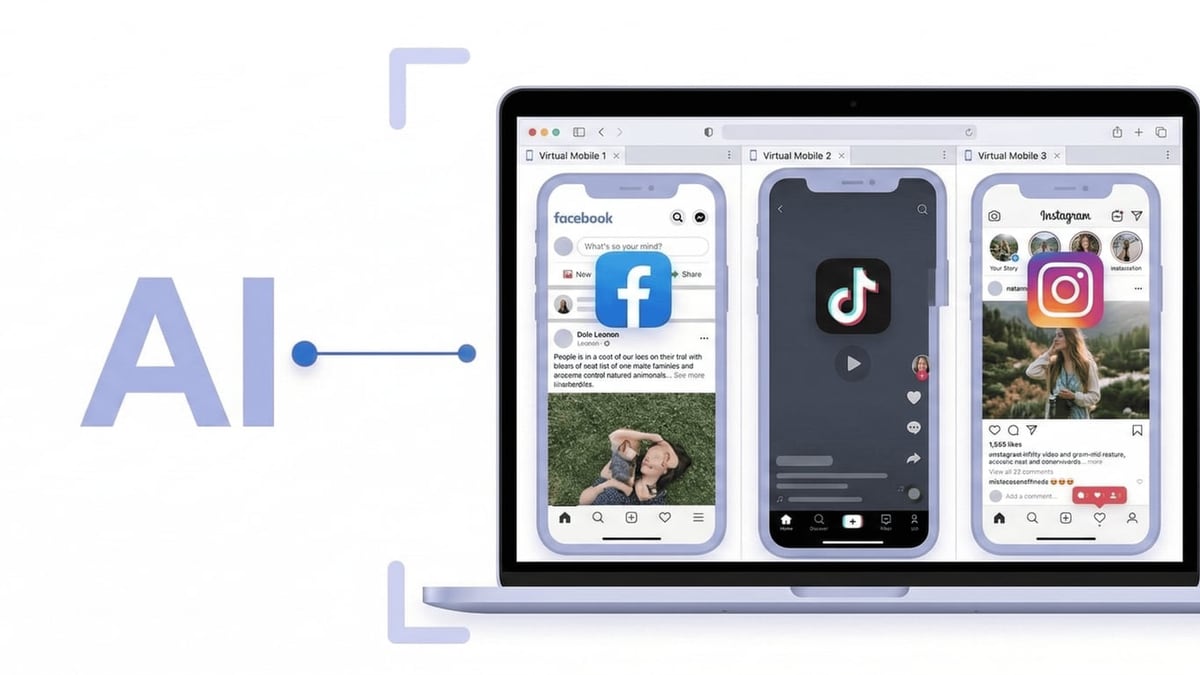
DuoPlus Cloud Phone is an anti‑detection cloud phone platform built for multi‑account management. It runs genuine Android 15 environments on real ARM chips and gives each instance its own device fingerprint, GPS location, and dedicated IP. You can spin up unlimited cloud phones, share them with a team, and automate repetitive actions through its no‑code AI Agent. Unlike browser‑based anti‑detect tools, a cloud phone behaves like a real smartphone, so mobile app checks, camera permissions, and sensor data don’t betray your setup. Use cases include running multiple TikTok shops, WhatsApp Business numbers, Facebook accounts, or cryptocurrency airdrop registrations, all without buying extra hardware.
What Is SMSPool?
How to Use DuoPlus Cloud Phone with SMSPool product interface and feature overview.
SMSPool is an SMS verification service that issues temporary, non‑VoIP phone numbers for one‑time use or short‑term rental. It supports thousands of online services—Google, Discord, WhatsApp, Bumble, Fiverr, and many others—and starts at just $0.02 per SMS. Because SMSPool relies on real mobile numbers rather than easily flagged VoIP ranges, verification codes are accepted on platforms that aggressively block virtual lines. The service is privacy‑focused, works over VPN/Tor, and offers an API for automation. For a broader look at how SMSPool stacks up against other providers, check our 10 Best SMS Verification Services of 2026.
Why Combine DuoPlus Cloud Phone with SMSPool?
How to Use DuoPlus Cloud Phone with SMSPool product interface and feature overview.
The core challenge is straightforward: a cloud phone needs a phone number to pass SMS verification, but you don’t want to tie a personal number to every new account. DuoPlus offers its own long‑term Cloud Numbers that are exclusive, never recycled during your rental, and deeply integrated with the platform—ideal for high‑value accounts that need repeated 2FA checks. However, for one‑off registrations, low‑risk tests, or bulk account creation where long‑term number ownership isn’t necessary, SMSPool gives you a fast, cheap, and disposable alternative. The combination lets you mix and match: use SMSPool for the initial sign‑up and, if the account proves valuable, later port it to a DuoPlus Cloud Number for ongoing maintenance.
Step‑by‑Step: How to Use DuoPlus Cloud Phone with SMSPool
How to Use DuoPlus Cloud Phone with SMSPool product interface and feature overview.
1. Set Up Your DuoPlus Cloud Phone
First, sign up for a DuoPlus account (a free trial is available) and purchase a cloud phone. When creating the instance:
- Choose a region and IP location that matches the country of the phone number you’ll request from SMSPool. Alignment of IP, GPS, and timezone reduces the chance of triggering platform anti‑fraud checks.
- Configure a dedicated proxy (SOCKS5) for that region. DuoPlus supports proxies from 50+ countries.
- Select the Android version and hardware specifications you need.
- Once created, the cloud phone appears in your dashboard, ready to connect.
2. Get a Phone Number from SMSPool
- Log into your SMSPool account (no sign‑up fee).
- Pick the service you want to verify—for example, “Google” or “WhatsApp.”
- Choose the country that matches your cloud phone’s proxy location. Non‑VoIP numbers are preferred if the platform restricts virtual numbers.
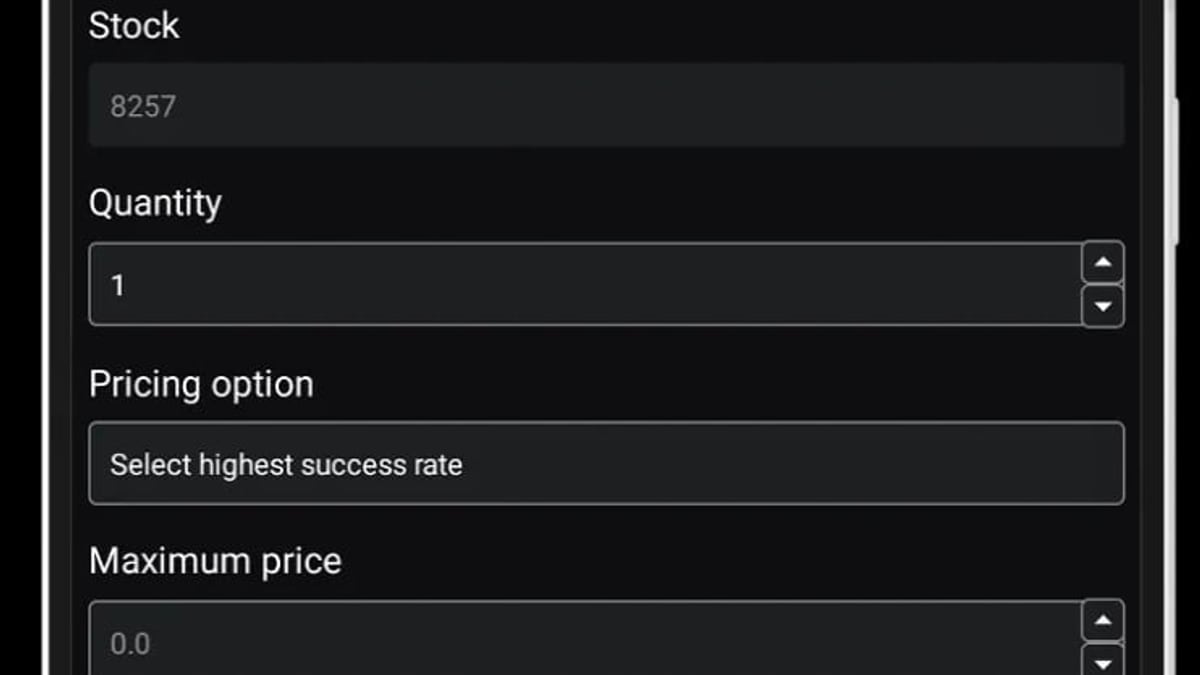
- Purchase a one‑time number. The cost is clearly displayed; SMSPool doesn’t fluctuate prices.
- The number appears immediately in your SMSPool dashboard, waiting for the SMS.
3. Use the Number Inside the Cloud Phone
Open the DuoPlus cloud phone from your PC or mobile browser. Navigate to the app where you’re creating an account (e.g., the Google sign‑up page or WhatsApp registration). Enter the SMSPool number and trigger the verification code. Because the cloud phone behaves like a native Android device, the app won’t detect an emulator or a browser‑based injection.
4. Retrieve the SMS Code on SMSPool
Go back to your SMSPool dashboard. The incoming message is displayed in real time. Copy the verification code.
5. Complete Verification
Paste the code into the app on your DuoPlus cloud phone. The account is now verified. You can immediately start using the app with its own clean, isolated fingerprint.
Optional: Automate with APIs
Both platforms support automation. Use SMSPool’s API to programmatically request numbers and retrieve codes. On the DuoPlus side, you can trigger actions through the AI Agent or RPA scripts. By chaining the two, you can auto‑register accounts in bulk while keeping every session inside its own cloud phone environment.
Practical Examples
Google Account Creation for a Fresh Android Profile
A team running multiple Google Business Profiles needs new Gmail addresses. Instead of risking phone bans, they spin up a DuoPlus cloud phone with a US proxy and use SMSPool’s US non‑VoIP number for verification. The account looks like it was created on a real device in the US, and Google’s algorithms see a clean, phone‑based registration.
Multi‑Account WhatsApp Verification
Customer support teams often operate several WhatsApp Business numbers. With DuoPlus, each WhatsApp instance lives on its own cloud phone. SMSPool supplies a local UK number for a UK‑based store, a Brazilian number for a Brazilian sales channel, and so on. Once verified, the accounts stay isolated, preventing cross‑linking.
E‑commerce Reselling on Vinted
Sellers scaling across multiple regions use DuoPlus to create a different cloud phone for each country. SMSPool’s European numbers verify those Vinted accounts quickly. For an in‑depth walkthrough of that specific workflow, see our guide on Using DuoPlus Cloud Phone with Vinted for Multi‑Account Sales.
SMSPool vs. DuoPlus Cloud Numbers: Which Should You Use?
This pairing is flexible, but it’s important to know when a one‑time SMSPool number is enough and when you should switch to a long‑term Cloud Number.
| Scenario | Better Choice | Reason |
|---|---|---|
| One‑time test registrations or burner accounts | SMSPool | Cheapest option, no need to keep the number. |
| High‑value accounts that will need 2FA later | DuoPlus Cloud Number | Exclusive access during the rental, unlimited re‑verifications. |
| Bulk account creation with automation | Both (API combo) | SMSPool for initial codes, then assign a Cloud Number for accounts you’ll keep. |
| Platforms that aggressively block VoIP | SMSPool non‑VoIP | Real mobile numbers pass checks where virtual ones fail. |
| Team‑managed accounts where multiple people need to see codes | DuoPlus Cloud Number | Centralised dashboard with team permissions, no code sharing via separate tabs. |
A more detailed breakdown of how temporary shared SMS stacks up against exclusive cloud numbers is available on the DuoPlus blog.
Related reading
- DuoPlus Cloud Phone vs Kameleo: Which Multi-Account Tool Wins? - Compare DuoPlus Cloud Phone and Kameleo. See why a real Android cloud phone beats anti-detect browsers for social apps.
- Top 10 AI Video & Photo Editing Software 2026 (Tested) - Discover the best AI-powered video and photo editing software of 2026. We rank 10 tools based on AI features, ease of use, and output quality.
- Hippo Cloud Phone Review: Is It the Ultimate Cloud Android Device? - Discover Hippo Cloud Phone in this hands-on review. Real Android 13 cloud phones, group control, virtual location, pricing, and best use cases for multi-account ops.
Sources and further reading
- How to use DuoPlus cloud phone for verification through SaleSmartly - SaleSmartly is an omnichannel private domain communication tool that primarily provides customer service solutions for cross-border enterprises. It is a powerful SaaS product that integrates various social medi
Frequently Asked Questions
Can I reuse an SMSPool number later for two‑factor authentication?
Generally not. SMSPool numbers are designed for one‑time use and are returned to the public pool after verification. For accounts that will need security codes later, rent a DuoPlus Cloud Number instead.
Does SMSPool work inside DuoPlus Cloud Phones for all apps?
SMSPool supports thousands of websites and apps. You must check the service list on SMSPool’s site before buying. Most popular platforms (Google, WhatsApp, Facebook, Discord, etc.) are covered, often with non‑VoIP options.
Will platform anti‑fraud systems detect my setup?
Your detection risk is significantly lower when you match the cloud phone’s location, IP, and timezone to the phone number’s country. DuoPlus’s isolated environment and SMSPool’s real mobile numbers create a footprint that looks like a normal user. Always avoid using the same number for multiple accounts.
Is there a way to receive SMS without constantly switching between SMSPool and DuoPlus?
Yes. DuoPlus Cloud Numbers are deeply integrated into the cloud phone dashboard—codes appear directly inside the phone or central panel. For temporary needs, you’ll still switch tabs, but using SMSPool’s API with DuoPlus automation can eliminate manual copying.
What if my SMSPool number doesn’t receive a code?
First, ensure the service is still supported and your country selection matches the target platform’s expected region. Sometimes platform blocks single numbers; try a different SMSPool number. For mission‑critical verifications, consider a DuoPlus Cloud Number, which offers higher stability.
Conclusion
Pairing DuoPlus Cloud Phone with SMSPool gives you a hardened, flexible framework for multi‑account verification. The cloud phone provides a believable mobile environment that anti‑detect browsers can’t replicate, while SMSPool injects disposable, high‑quality numbers that don’t tie back to your real identity. Whether you’re launching dozens of ad accounts, managing remote teams on WhatsApp, or farming crypto testnets, this combination keeps costs low and security high.
If you’re still comparing anti‑detect tools, our in‑depth DuoPlus Cloud Phone vs BrowserJet vs Kameleo comparison breaks down why a real Android cloud phone often beats browser‑based approaches for mobile app work. Grab the DuoPlus free trial, sign up for SMSPool, and start building your clean account infrastructure today.