
ixBrowser Review 2026: Forever Free Anti-Detect Browser Tested
Evidence-based ixBrowser review: fingerprint isolation, free plan limits, pricing, setup, strengths, and who should use this forever free anti-detect browser.
ixBrowser Review: Is the Forever Free Anti-Detect Browser Worth It?
ixBrowser markets itself as a forever free anti-detect browser for multi-account management. That claim deserves scrutiny: a free tier can be genuinely useful or a demo that collapses the moment you scale. This review separates what ixBrowser actually delivers — fingerprint control, profile isolation, team features, and plan limits — from the marketing around it, so you can decide whether it fits your workflow.
What ixBrowser Is and How It Works
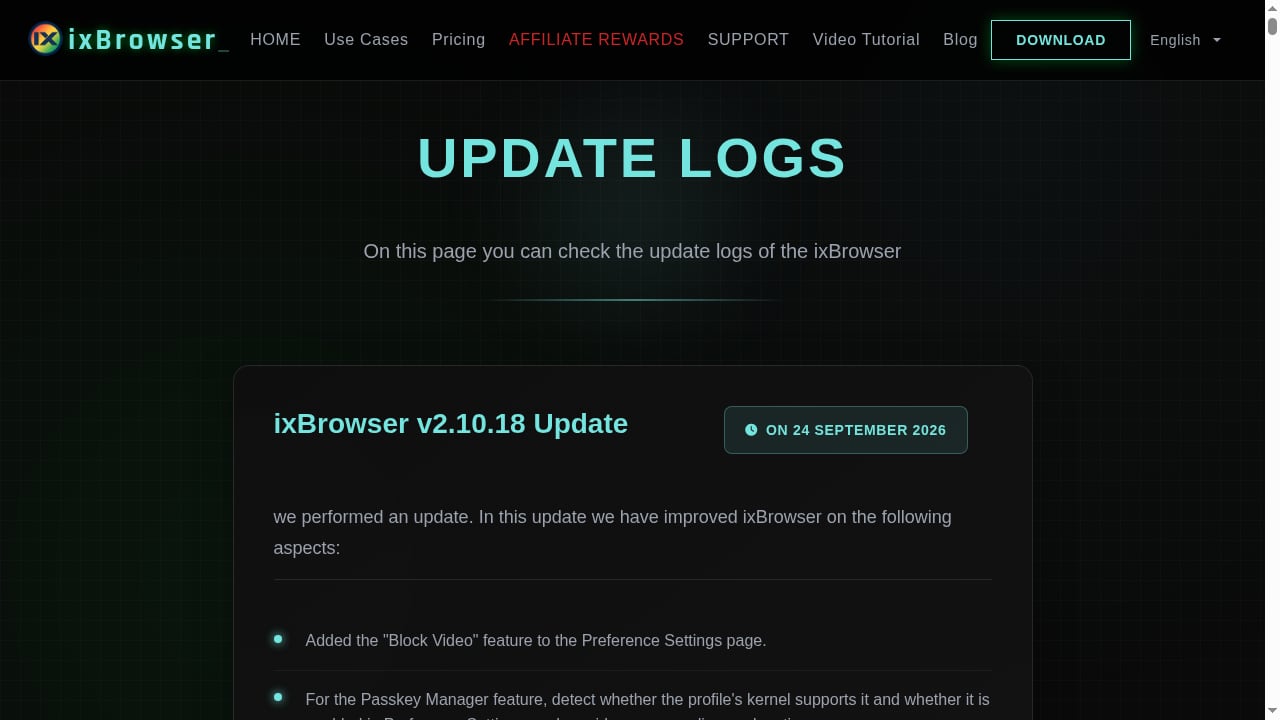
First viewport screenshot of ixbrowser.com.
ixBrowser is an anti-detect browser. It lets you run multiple independent browser profiles, each with its own cookies, local storage, proxy settings, and configurable digital fingerprint. To a website, each profile looks like a separate device and user rather than another tab from the same laptop.
The core idea is straightforward: platforms link accounts by matching device and network signals. If five seller accounts share one browser, one canvas fingerprint, and one IP, they look related. ixBrowser isolates those signals per profile so each account operates in its own environment.
According to ixBrowser's own site, the product emphasizes four pillars: custom fingerprints (Canvas, WebGL, Audio), encrypted cloud storage for profile data, role-based team management, and batch operations. The vendor also states that free and paid accounts receive the same fingerprint and IP dual-isolation protection — the paid tiers add capacity and advanced features rather than better stealth.
Key Features in Practice
Fingerprint customization
You can adjust individual fingerprint parameters per profile instead of accepting a single default. That matters for Canvas, WebGL, and Audio signals, which are common detection vectors. The vendor claims the browser passes more than 60 fingerprint detection tests; treat that as a vendor claim and verify with your own checks on sites like Pixelscan or BrowserScan before committing accounts.
Profile isolation and cloud storage
Each profile keeps separate cookies and storage, and profile data is stored on cloud servers with encryption and sync. This makes profiles portable across machines, which is useful for teams and remote workers. The trade-off is dependence on the vendor's cloud: if their service has an outage, your profiles are not local.
Team management
ixBrowser supports multi-role collaboration: you can share profiles and proxies, assign permissions, and let several people manage the same account. Even the free plan includes two team seats, which is unusual at this price point.
Batch operations and extensions
You can create, copy, edit, export, and open profiles in bulk, and install extensions from the Chrome Web Store. For agencies or sellers managing dozens of accounts, batch actions save real time compared with one-by-one setup.
Automation and API
API access is available on paid plans, not the free tier. If your workflow depends on scripted profile creation or automated opening, budget for at least the entry paid plan. There is no built-in no-code RPA comparable to some competitors, so automation requires technical work.
Pricing Signals: What "Forever Free" Actually Means
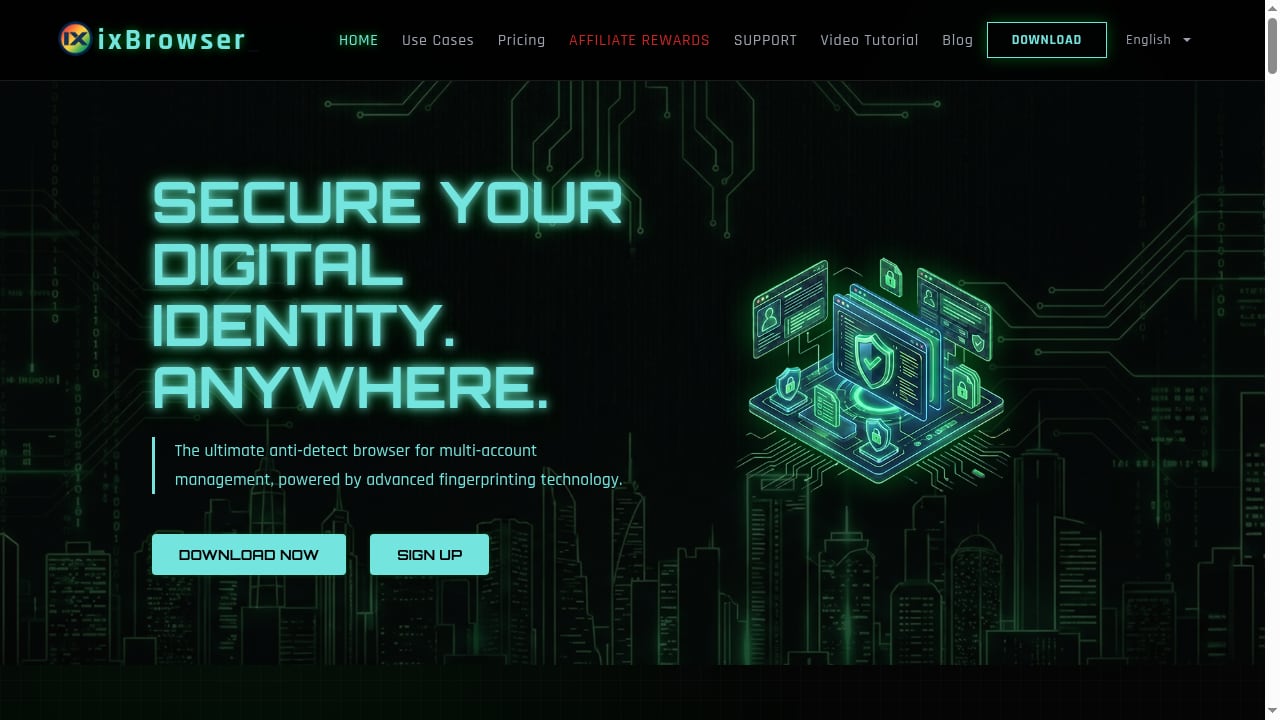
First viewport screenshot of ixbrowser.com.
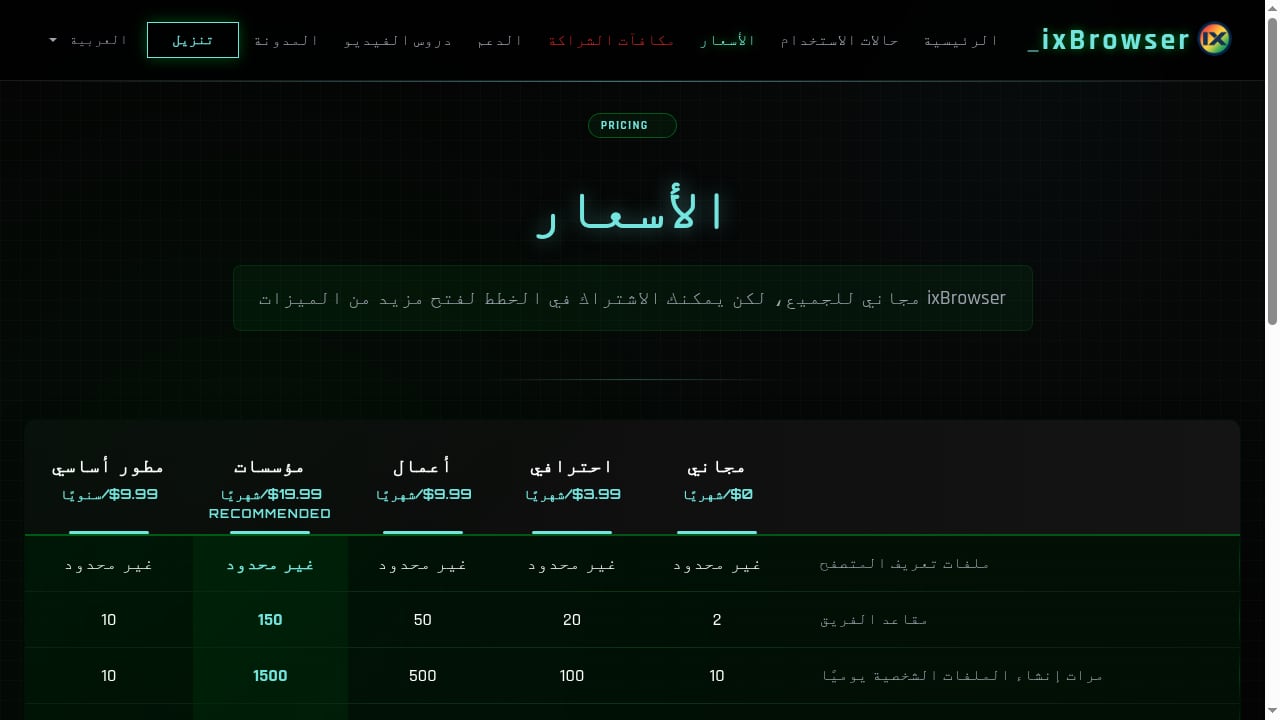
ixBrowser's free plan is real but capacity-limited. Based on published plan details, the free tier includes unlimited total profiles in storage, but roughly 10 profile creations and 100 profile opens per day, plus 2 team seats. That is enough for a solo operator with a handful of accounts and a light daily routine. It is not enough for high-volume opening or rapid scaling.
Paid tiers scale those daily limits and add API access, advanced cloud storage, batch import, and advanced fingerprint control. Reported pricing runs from a few dollars per month for the Professional tier up to roughly $20 per month for Enterprise, with a low-cost annual developer option. Compared with anti-detect browsers that start near $30–100 per month, the entry cost is low — but confirm current prices on the vendor site, since plans change.
The honest reading: "forever free" refers to unlimited profile storage and a usable daily quota, not unlimited daily operations. If you open more than about 100 profiles a day, you will hit the ceiling and need a paid plan.
Who Should Use ixBrowser
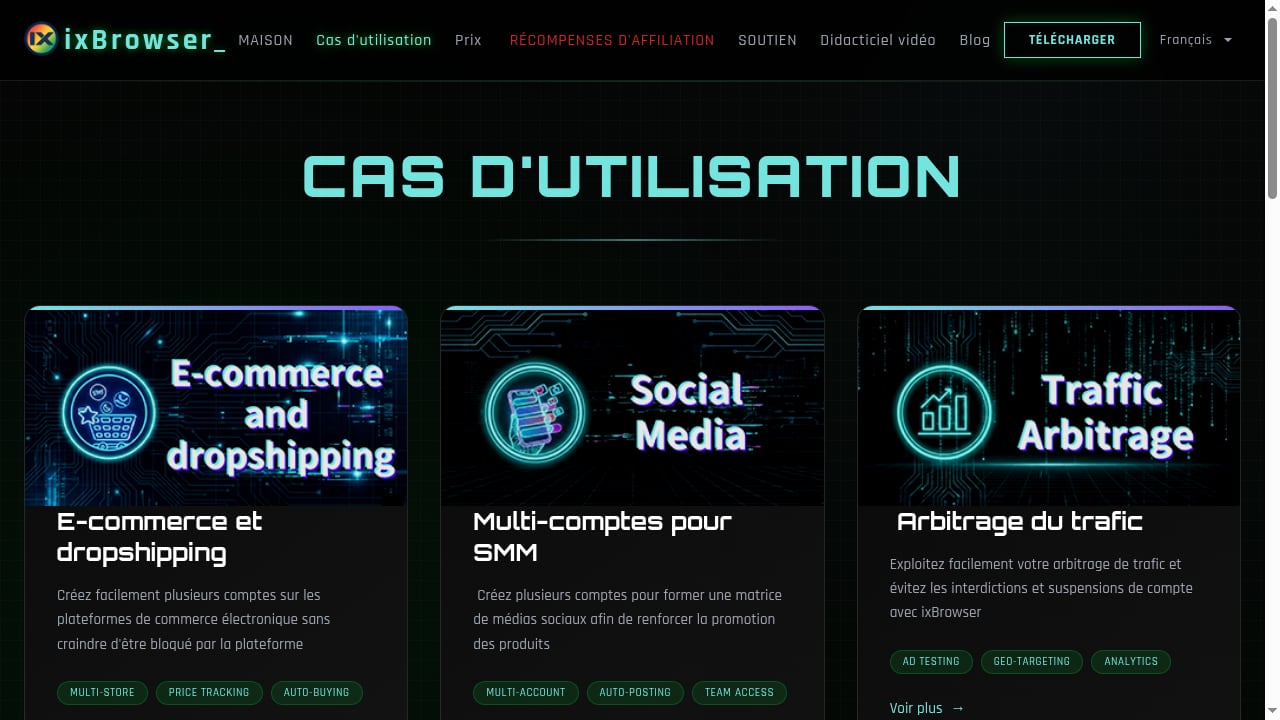
First viewport screenshot of ixbrowser.com.
Good fit:
- Solo e-commerce sellers and dropshippers running 5–50 accounts who need clean separation without a large subscription.
- Social media marketers managing multiple accounts for a small matrix of pages or profiles.
- Small agencies that want shared profiles and role permissions at a low cost.
- Developers or technical operators who want API access at a low entry price and will build their own automation.
Poor fit:
- Large-scale operations where every fingerprint must survive the strictest platform scrutiny and enterprise support with SLAs is required.
- Teams that need built-in no-code automation without writing scripts.
- Anyone expecting a bundled proxy service — ixBrowser does not include proxies, so you must supply your own.
Setup: A Practical Walkthrough
- Create an account and install the browser. Registration is free; download the desktop client from the vendor.
- Add a proxy per profile. ixBrowser does not provide proxies. Use a reputable residential or mobile proxy and configure it before opening any account, because the IP is part of the environment.
- Create a profile and set the fingerprint. Choose the operating system, browser version, screen resolution, and language to match the proxy's geography. Mismatched time zone and language are common causes of flags.
- Verify before you log in. Open a fingerprint test site inside the new profile and check Canvas, WebGL, and IP consistency. Fix mismatches before touching a real account.
- Log in and warm up gradually. Avoid logging into many new accounts from the same proxy subnet on the same day.
- Organize with groups and permissions. Use naming conventions and team roles so profiles do not get mixed up as you scale.
If you are comparing browser-based isolation with mobile-device isolation, our guide to DuoPlus Cloud Phone with proxies covers the mobile side of the same problem.
Strengths and Limitations
Strengths
- Genuinely usable free tier with unlimited stored profiles.
- Low paid pricing relative to major competitors.
- Fingerprint and IP dual isolation applied across free and paid plans, per the vendor.
- Team roles and profile sharing even on the free plan.
- Chrome extension support and batch operations.
Limitations
- No built-in proxies; environment quality depends on your proxy provider.
- Daily creation and opening caps on the free plan.
- API and advanced features are paywalled.
- Automation is API-based rather than no-code.
- Interface is functional rather than polished, and cloud dependence means no offline profile access.
- Vendor detection-test claims should be independently verified for your target platforms.
ixBrowser vs Alternatives: Decision Criteria
First viewport screenshot of ixbrowser.com.
Use these questions to choose:
- Do you need mobile app environments? ixBrowser is a desktop browser. If your accounts live in mobile apps, a cloud phone platform is a better fit. See our 2026 comparison of DuoPlus Cloud Phone, Multilogin, and Indigo for how device realism changes the equation.
- What is your daily profile volume? Under 100 opens per day, the free plan may suffice. Above that, compare paid tiers.
- Do you need no-code automation? If yes, weigh browsers with built-in RPA against ixBrowser's API-first approach.
- How strict are your target platforms? For high-stakes accounts, test fingerprints yourself and consider a premium browser with stronger support.
- Do you need a broader shortlist? Our top 10 anti-detect browser and cloud phone platforms for 2026 scores options on isolation, mobile realism, automation, and cost.
For a like-for-like read on another budget-friendly browser, see this Hidemyacc review.
Related reading
- DuoPlus Cloud Phone vs AI Cloud Phone (VMOSCloud) - DuoPlus Cloud Phone vs VMOSCloud AI Cloud Phone for social media multi-account automation: compare device realism, isolation, automation, SMS, proxies, and pricing.
Sources and further reading
- ixBrowser Review: Forever Free Anti-Detect Browser for Multi-Account Management | Coronium.io - Discover how ixBrowser's forever free anti-detect browser safeguards your multiple accounts with advanced fingerprinting, secure data storage, and efficient team management. Ideal for cross-platform social media and e-commerce operations.
- GitHub - oouku5/ixbrowser: ixBrowser Review: Forever Free Antidetect Browser That Actually Works for Multi-Account Management - ixBrowser Review: Forever Free Antidetect Browser That Actually Works for Multi-Account Management - oouku5/ixbrowser
FAQ
Is ixBrowser really free forever? The free plan has no trial expiry and includes unlimited stored profiles, but daily creation and opening limits apply. Heavy users will need a paid plan.
Does ixBrowser include proxies? No. You must bring your own proxy service and configure it per profile. Profile security depends heavily on proxy quality.
Can ixBrowser run mobile apps? No. It is a desktop anti-detect browser. For Android app environments, use a cloud phone platform instead.
Is ixBrowser safe for multi-accounting? It provides fingerprint and IP isolation, which is the technical foundation. Safety also depends on your proxies, behavior, and platform rules. Test fingerprints before using valuable accounts.
Does the free plan support teams? Yes, it includes a small number of team seats, though capacity is limited compared with paid tiers.
Conclusion
ixBrowser is a credible low-cost entry into anti-detect browsing. Its free tier is more usable than most, its paid plans are inexpensive, and its core isolation features cover common e-commerce and social media multi-account work. The caveats are equally clear: no bundled proxies, daily caps on the free plan, API-only automation, and a functional interface. If you run a modest number of desktop accounts and want to test anti-detect isolation without a subscription, ixBrowser is worth a trial. If you need mobile environments, no-code automation, or enterprise-grade support, look at the alternatives above before committing.