
RoxyBrowser Review 2026: Antidetect Browser for Multi-Accounting
Evidence-based RoxyBrowser review: fingerprint isolation, free trial limits, proxy setup, pricing signals, and who should use it for multi-accounting in 2026.
RoxyBrowser Review 2026: Antidetect Browser for Multi-Accounting
RoxyBrowser is a Chromium-based antidetect browser that creates a separate, spoofed fingerprint for every profile you run. It targets people who manage many accounts at once — e-commerce sellers, affiliate marketers, social media teams, and scraping operators — and it offers a free trial so you can test the workflow before paying. This review breaks down what the tool actually does well, where it falls short, and how to decide whether it fits your operation.
What RoxyBrowser Is and Who It's For
First viewport screenshot of RoxyBrowser Changelog – Latest Updates & Features | RoxyBrowser.
RoxyBrowser is a desktop application for Windows and macOS that lets you launch isolated browser profiles. Each profile gets its own cookies, cache, storage, and a configurable fingerprint covering user agent, screen resolution, language, timezone, WebRTC, Canvas, WebGL, and AudioContext signals. The goal is simple: when you log into ten marketplaces or social accounts from one machine, the sites should not be able to link those sessions back to a single device.
The tool is a reasonable fit if you:
- Run multiple seller, ad, or social accounts and need each one to look like a distinct real user.
- Work in a small team that needs shared profile access with permissions.
- Want a Chrome-like interface so onboarding non-technical staff is fast.
- Already have a proxy provider and are comfortable configuring it yourself.
It is a weaker fit if you need built-in residential proxies, native Linux support, or an automation stack that runs hundreds of concurrent profiles on modest hardware.
Core Features That Matter for Multi-Accounting
First viewport screenshot of Antidetect Browser for Multi-Accounting - Free Trial | RoxyBrowser.
Fingerprint customization
Profiles expose granular controls: Chromium version, screen resolution and color depth, language and timezone, user agent strings, and the usual anti-tracking surfaces (WebRTC, Canvas, WebGL, AudioContext). You can also use one-click presets if you do not want to tune every value by hand. For most multi-account workflows, the practical value is consistency — a profile should look the same on every launch, not drift between sessions.
Profile organization and team workflows
Profiles can be grouped into projects and tagged, which matters once you pass a few dozen accounts. Bulk actions, import/export for backup or migration, per-profile notes for credentials, and activity logs round out the day-to-day management layer. Reviewers on Product Hunt consistently highlight team features — separate workspaces, permissions, shared control, and encrypted cloud storage — as a strength rather than an afterthought.
Automation hooks
RoxyBrowser exposes an API plus Selenium and Puppeteer integration, so you can script profile launches and routine tasks. This is enough for moderate automation, but it is not a full orchestration platform. If your workflow depends on heavy parallel scraping or complex task scheduling, test the automation path early.
Proxy handling
RoxyBrowser supports HTTP, HTTPS, SOCKS4, and SOCKS5 proxies and lets you assign a different proxy per profile. What it does not do is supply proxies. You bring your own, which means an extra line item in your budget and an extra failure point if a proxy is misconfigured. A single wrong setting can leak your real IP and put accounts at risk, so plan for a testing step before you log into anything valuable.
Setup: What the First Hour Looks Like
- Download the installer from roxybrowser.com and install it on Windows or macOS.
- Create your account inside the app and choose the free trial or a paid plan.
- Click Create Profile and pick either a preset or custom fingerprint values.
- Attach a proxy to the profile and verify the exit IP before opening any target site.
- Add tags or project groupings so the profile stays findable as your count grows.
- Log into the target account, then keep the profile's notes updated with credentials and proxy details.
The onboarding is genuinely simple — no complex verification gauntlet — but the proxy step is where beginners lose time. Budget for it.
Pricing Signals and the Free Trial
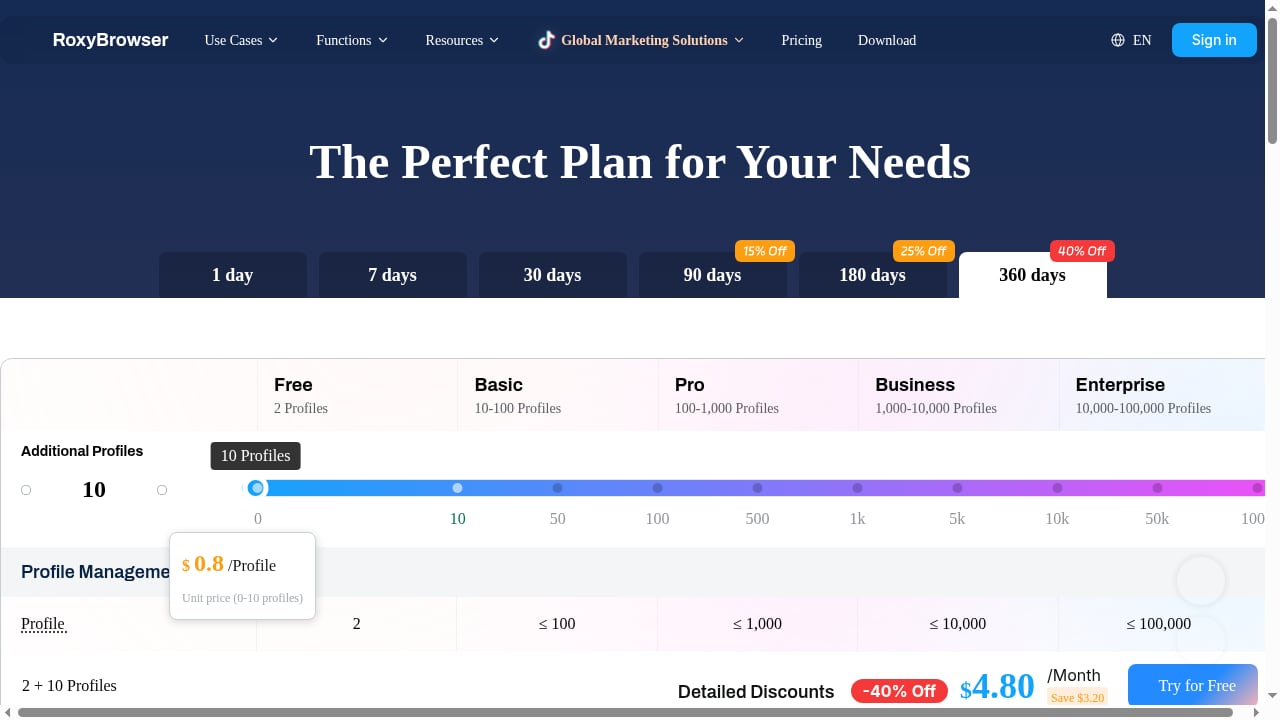
First viewport screenshot of Pricing | RoxyBrowser.
The free trial is the headline draw: it includes a limited number of profiles (commonly cited as five), which is enough to validate fingerprint quality and proxy behavior on real accounts. Beyond that, RoxyBrowser sells tiered subscriptions based on profile count and team seats.
Two cost signals are worth flagging before you compare sticker prices:
- Proxies are not included. Your true monthly cost is the subscription plus whatever you pay a proxy vendor. Compare that combined number against competitors that bundle proxies.
- Scale changes hardware needs. Users report that running very large profile sets (50+) simultaneously can strain older machines, especially on macOS. If you plan to scale, factor in a stronger workstation or stagger your sessions.
Strengths and Limitations, Honestly
Strengths
- Clean, Chrome-like interface that beginners can learn quickly.
- Solid fingerprint controls for small and mid-sized teams.
- Strong team layer: workspaces, permissions, shared access, encrypted cloud storage.
- Flexible proxy support across the major protocols.
- Simple API plus Selenium and Puppeteer hooks for light automation.
- Cross-platform on Windows and macOS.
Limitations
- No built-in proxies — you source and maintain them yourself.
- Documentation is thinner than what advanced users want for troubleshooting.
- Deeper fingerprint layers (audio context, WebGL, timezone spoofing) are less transparent than some competitors.
- Performance can degrade at high concurrency on older hardware, and macOS feels slower than Windows in reported tests.
- No Linux support and no Firefox engine option.
How RoxyBrowser Compares to Alternatives
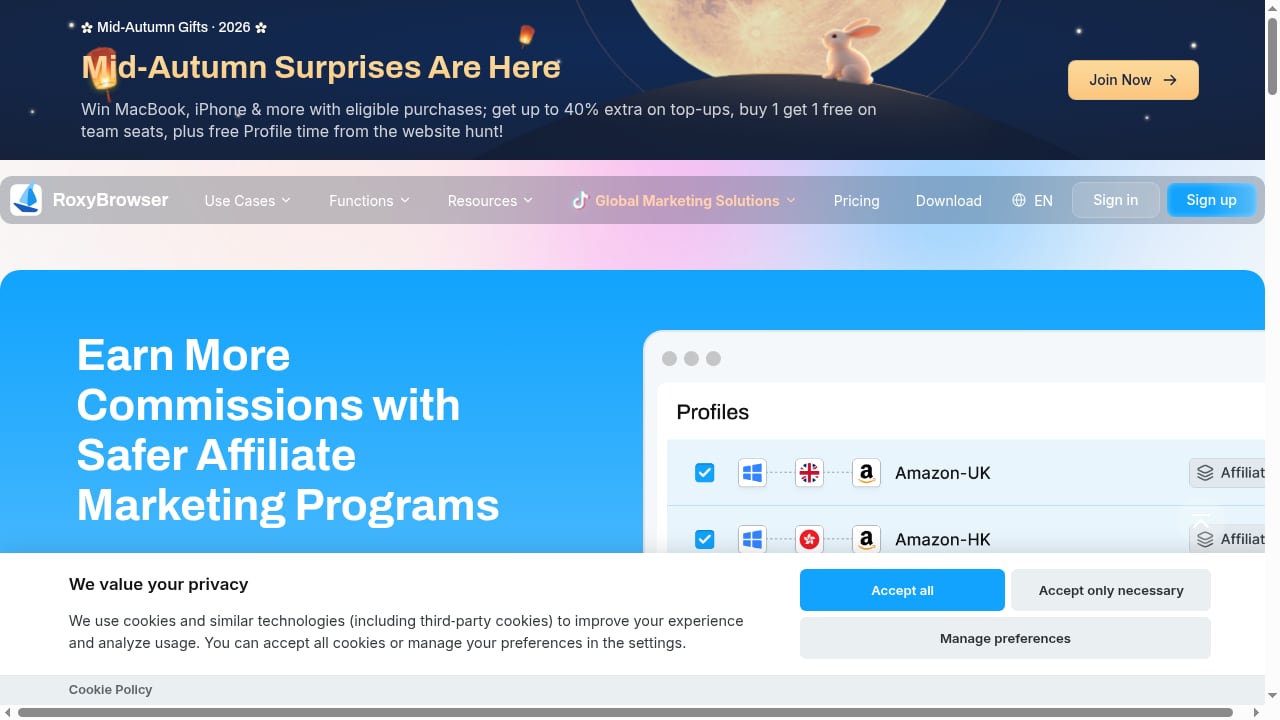
First viewport screenshot of Earn More with Secure Affiliate Marketing | RoxyBrowser.
RoxyBrowser sits in the same category as other Chromium-based antidetect browsers, and the right pick depends on what you are isolating.
- If you need desktop browser profiles for web-based accounts, RoxyBrowser is competitive on price and team features. For a broader field, see our top 10 multi-account browsers and antidetect software for 2026.
- If your accounts live inside mobile apps — marketplaces, social apps, mobile ad platforms — a desktop browser may not be enough. Real ARM Android isolation is a different problem, covered in our DuoPlus Cloud Phone vs Indigo comparison.
- If you are weighing a cloud phone platform against a browser-based tool, our review of the top 10 cloud phone platforms for 2026 breaks down device fidelity, fingerprint isolation, and billing transparency.
A useful rule: pick the isolation layer that matches where the account actually lives. Browsers handle web sessions; cloud phones handle app sessions.
Decision Criteria: Should You Use RoxyBrowser?
Run through these questions before committing:
- Where do your accounts live? Web-only accounts favor an antidetect browser. App-based accounts favor a cloud phone or real-device solution.
- How many profiles at peak? Under ~50 concurrent profiles, RoxyBrowser is comfortable. Above that, test performance on your hardware first.
- Do you have proxies? If not, add a vendor to your plan and budget. If you want bundled proxies, look elsewhere.
- How technical is your team? The interface is friendly, but advanced fingerprinting and automation need someone who will read the docs and test.
- Do you need team controls? This is one of RoxyBrowser's stronger areas; if you run a small agency, it is a real advantage.
- Is Linux required? Then RoxyBrowser is out — it supports Windows and macOS only.
Related reading
- How to Use DuoPlus Cloud Phone with Bright Data - Pair DuoPlus Cloud Phone with Bright Data proxies to run isolated Android cloud phones on residential IPs. Step-by-step setup, workflows, and use cases.
- DuoPlus vs ChangChang Cloud Phone vs VPN Browser - DuoPlus Cloud Phone vs ChangChang Cloud Phone vs BrowserJet VPN browser: compare real ARM Android isolation, mobile app support, fingerprints, and pricing.
Sources and further reading
- RoxyBrowser Reviews 2026: Details, Pricing, & Features - G2 - RoxyBrowser is an antidetect browser designed to streamline your workflows and manage multiple accounts. By generating unique browser fingerprints for each ...
- RoxyBrowser Antidetect Browser Review 2026: Pros and Cons - Discover RoxyBrowser's features, performance, and a detailed comparison with Multilogin in 2026. Get a 50% discount inside!
FAQ
Is RoxyBrowser free? There is a free trial that includes a limited number of profiles, commonly reported as five. Full use requires a paid plan.
Does RoxyBrowser include proxies? No. You must supply your own HTTP, HTTPS, SOCKS4, or SOCKS5 proxies and assign them per profile.
Which operating systems does RoxyBrowser support? Windows and macOS. There is no native Linux build.
Can RoxyBrowser be automated? Yes, through its API and Selenium or Puppeteer integration, though it is not a full-scale orchestration platform.
Is RoxyBrowser good for teams? Yes. Workspaces, permissions, shared profile control, and encrypted cloud storage are repeatedly cited as strengths by reviewers.
What is the biggest risk when using it? Misconfigured proxies. A wrong setting can expose your real IP and trigger account bans, so verify every proxy before logging in.
Conclusion
RoxyBrowser is a credible mid-tier antidetect browser for multi-accounting. It gets the fundamentals right — isolated fingerprints, a clean interface, flexible proxy support, and unusually solid team features — and its free trial lets you validate all of that on real accounts before spending money. The trade-offs are equally clear: no built-in proxies, thin advanced documentation, no Linux support, and performance that needs testing at high concurrency. If your accounts are web-based, your team is small to mid-sized, and you already have a proxy source, RoxyBrowser deserves a place on your shortlist. If you need bundled proxies, mobile app isolation, or heavy parallel automation, look at the alternatives linked above before you decide.