
Top 10 Anti-Detect Browser Software Products 2026
Independent 2026 ranking of the top 10 anti-detect browsers, scored on fingerprint consistency, automation, pricing, and team features.
Top 10 Anti-Detect Browser Software Products 2026
Anti-detect browsers have become infrastructure for anyone running more than a handful of accounts. The 2026 market is crowded, every vendor claims to be undetectable, and the gap between a clean profile and a flagged one is often a single inconsistent value. This ranking focuses only on software that genuinely belongs to the anti-detect browser category, scores each product against published criteria, and separates what is verifiable from what is marketing.
How We Evaluated These Products
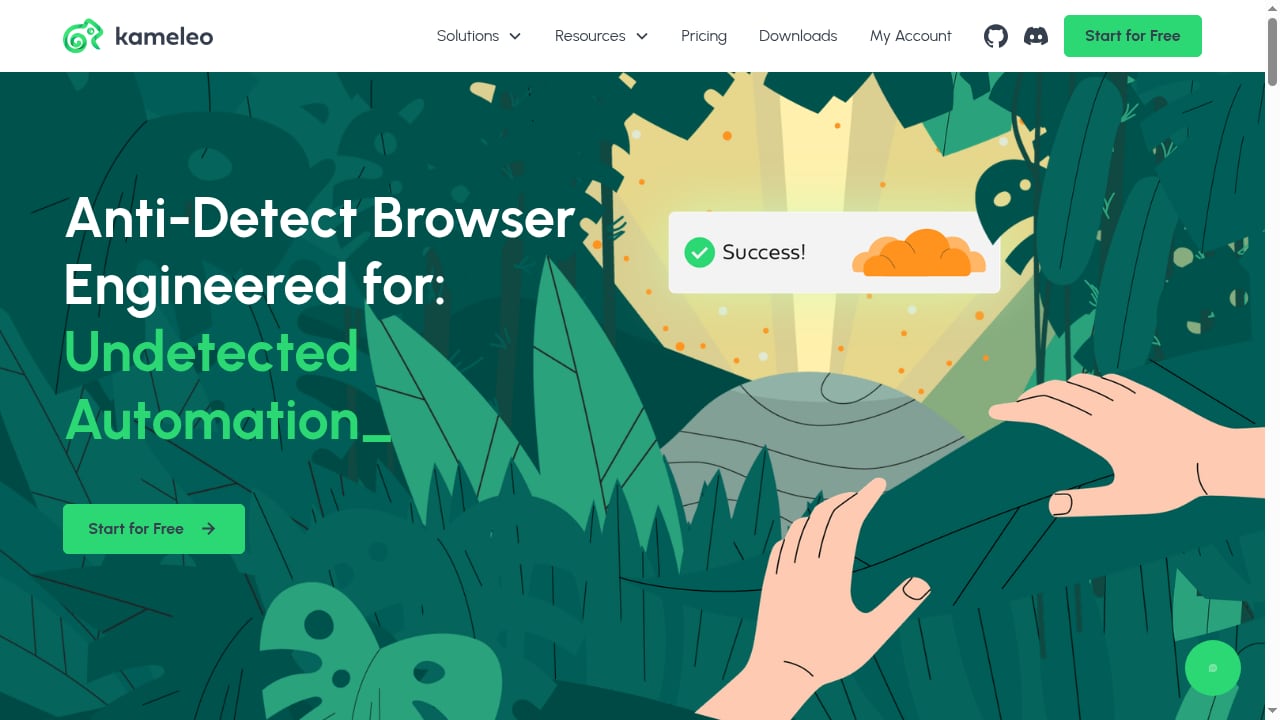
First viewport screenshot of kameleo.io.
No single fingerprint checker is authoritative. Independent 2026 tests from GoLogin's anti-fingerprinting browser comparison and ScrapingBee's tested antidetect browser ranking both rely on Pixelscan, Iphey, and CreepJS, and both note that a clean pass proves consistency, not invisibility. We weighted five factors:
- Fingerprint consistency (30%): whether Canvas, WebGL, timezone, language, and hardware values agree with each other and with the proxy location.
- Stability and scale (20%): behavior across long sessions, many profiles, and team sharing.
- Automation depth (20%): REST APIs, Puppeteer, Playwright, Selenium, RPA, and rate limits.
- Platform coverage (15%): Windows, macOS, Linux, Android, and cloud options.
- Value and transparency (15%): free tiers, published pricing, and certification.
A note on scope: cloud phones are a different category. DuoPlus Cloud Phone provides real ARM Android devices rather than browser profiles, so it is excluded from this ranking and appears only where a mobile workflow genuinely calls for it.
The Top 10 Anti-Detect Browsers of 2026
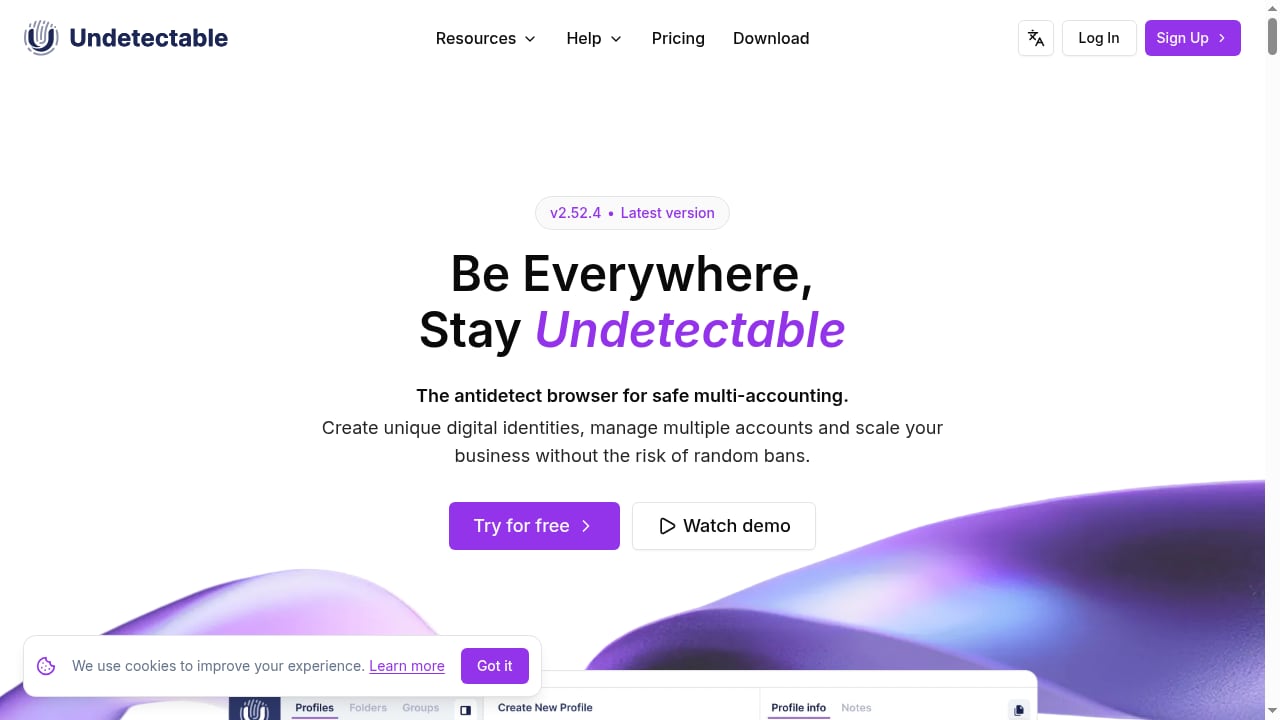
First viewport screenshot of undetectable.io.
1. Multilogin
Multilogin remains the depth leader for teams that need both desktop browser profiles and Android cloud phones under one subscription. In ScrapingBee's October 2026 test, a default macOS profile passed Pixelscan, Iphey, and CreepJS cleanly, with CreepJS reading the GPU at high confidence. It ships two engines (Mimic on Chromium, Stealthfox on Firefox), supports Selenium, Puppeteer, Playwright, and API automation, and includes residential proxy traffic and mobile minutes in paid plans. Pricing starts around $11/month, with a free plan that has no time limit but deletes inactive profiles after seven days. Best for agencies and high-stakes multi-account operations.
2. GoLogin
GoLogin is the strongest all-rounder on value. The same independent test recorded a clean pass on all three checkers, a 4.0-second profile launch, and a native Android app that syncs with desktop profiles. Its Orbita browser runs on a recent Chromium engine, and every paid plan includes a REST API plus Puppeteer, Playwright, and Selenium support. Entry pricing is roughly $9/month, dropping to about $4.50/month annually, with three free profiles. One caveat worth stating plainly: GoLogin publishes that comparison itself, so treat its own first-place result with appropriate skepticism even though the methodology is documented.
3. AdsPower
AdsPower is the pragmatic choice for teams that want automation without writing code. It runs two stealth browsers, SunBrowser on Chromium and FlowerBrowser on Firefox, with per-profile control over Canvas, WebGL, user agent, and network settings. Its differentiators are a built-in RPA studio, a synchronization device for mirroring actions across profiles, and a local API that scales to 1,500 requests per minute on higher tiers. Recent releases added AI agent integration through messaging apps and configurable IP rotation intervals. It holds SOC 2 Type II, ISO 27001, and ISO 27701 certifications, and offers a free plan with two profiles plus a three-day trial. Note that the GoLogin test flagged AdsPower on timezone spoofing and Iphey reliability, so verify with your own proxy setup before scaling.
4. Octo Browser
Octo Browser earned a clean pass across all three checkers in the GoLogin round and was one of the few products already running Chrome 154 at test time. It targets power users and teams that prioritize fingerprint quality and fast profile creation over a generous free tier. There is no permanent free plan, only a short trial, and paid plans start around €10/month. If your priority is the newest engine and consistent device parameters, Octo is a credible top-five pick.
5. Dolphin Anty
Dolphin Anty is built around media buying and affiliate workflows. It combines a current Chromium engine with scenario-based automation, a local and remote API, and team-friendly profile management. Five free profiles lower the entry barrier, and paid plans start near $10/month. The trade-off is fingerprint reliability: the GoLogin test recorded an Iphey "Unreliable" verdict, so it suits teams whose risk tolerance and proxy hygiene can absorb that.
6. Kameleo
Kameleo is the developer's anti-detect browser. It supports multiple engines, including Chroma and Junglefox, plus mobile browser emulation on desktop, and ships SDKs for Python, JavaScript, and C# alongside a local API. That makes it a natural fit for scraping pipelines and automation-heavy research. Pricing is higher relative to profile counts, starting around €59/month, and one independent test could not launch the app on its test machine, so trial it on your own hardware first. For a direct comparison of browser-based and mobile-based isolation, see our guide to DuoPlus Cloud Phone vs Antidetect Cloud vs Kameleo.
7. Antidetect Cloud
Antidetect Cloud positions itself as a professional anti-detect browser for managing hundreds of accounts, with cloud-based profiles, deep system-level fingerprint control, and Android emulation. It runs on Windows, macOS, Linux, and Android, and bundles a VPN service for encrypted tunnels and IP protection. The vendor sells directly with publicly listed prices, offers free support during business hours (UTC+7) via Facebook and Telegram, and provides a 30-day warranty on free products. Digital purchases are non-refundable after activation, so use the pre-purchase testing window. It is a reasonable fit for traffic arbitrage and e-commerce operators who want an integrated VPN rather than a separate proxy stack.
8. Undetectable
Undetectable is a Mac and Windows anti-detect browser focused on social media multi-accounting, with unlimited profile creation and a workflow designed for convenience rather than deep developer tooling. It suits social media managers and small teams that need many isolated profiles without a steep learning curve. It is stealth-first with automation built in, though it was not included in the published checker rounds cited above, so independent fingerprint evidence is thinner than for the top five.
9. Incogniton
Incogniton appeals to solo operators and small teams on a budget. It offers a free tier of ten profiles for two months before dropping to three, and paid plans around $13.99/month billed every six months. Selenium and Puppeteer support are available on higher tiers. Be aware that the GoLogin test flagged proxy detection, timezone spoofing, and audio spoofing on its default profile, which makes careful manual configuration essential.
10. NstBrowser
NstBrowser targets scraping and automation at scale, combining a Chromium engine with RPA tooling, a built-in unblocker, and Puppeteer and Playwright support. A limited free tier and a $29.90/month starter plan make it easy to evaluate. Its engine trailed the stable Chrome release in testing and Iphey rated it unreliable, so it is best treated as an automation workhorse rather than a stealth-first choice.
Comparison at a Glance
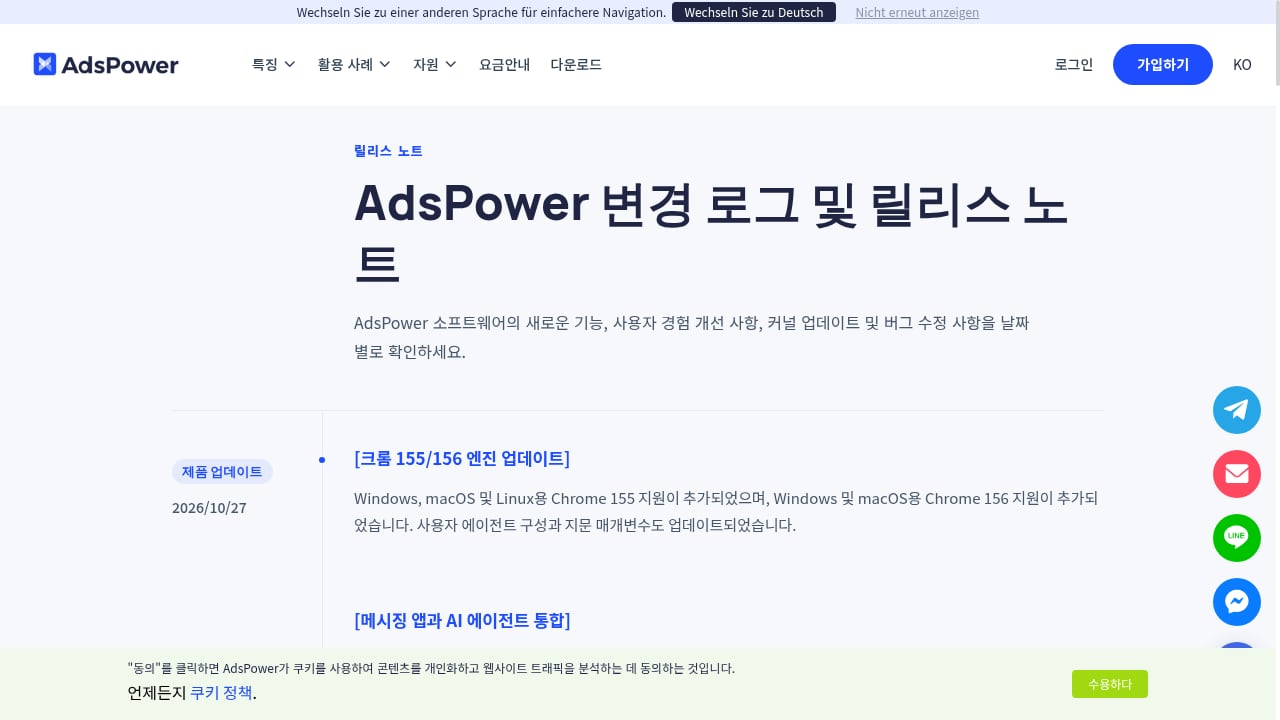
First viewport screenshot of www.adspower.com.
| Product | Best for | Free tier | Automation | Standout strength |
|---|---|---|---|---|
| Multilogin | Agencies, mobile + web | Yes, no time limit | API, Selenium, Puppeteer, Playwright | Deepest fingerprint consistency |
| GoLogin | All-round value | 3 profiles | REST API, Puppeteer, Playwright | Native Android app |
| AdsPower | No-code automation | 2 profiles | RPA, local API, synchronizer | Team collaboration and RPA |
| Octo Browser | Fingerprint quality | Trial only | API from base plan | Newest engine |
| Dolphin Anty | Media buying | 5 profiles | Local and remote API | Scenario automation |
| Kameleo | Developers, scraping | Limited | SDKs, local API | Multi-engine + mobile emulation |
| Antidetect Cloud | Integrated VPN users | Test before buying | Android emulation | Bundled VPN |
| Undetectable | Social media managers | Not stated | Built-in automation | Simple Mac/Windows workflow |
| Incogniton | Budget solo operators | 10 then 3 profiles | Selenium, Puppeteer | Low entry cost |
| NstBrowser | Scraping at scale | Limited | RPA, Puppeteer, Playwright | Unblocker + RPA |
How to Choose in 2026
First viewport screenshot of antidetect.cloud.
Start with the workload, not the feature list. If your accounts live on web platforms and dashboards, a browser-first tool with strong fingerprint consistency is the right base. If your accounts live inside mobile apps, browser profiles will not reproduce the device signals those apps check, and a real-device environment is the better fit. That is where a complementary tool such as DuoPlus Cloud Phone becomes relevant: it supplies isolated ARM Android devices with unique device fingerprints, GPS, and SIM data, which is a different layer of protection than a spoofed desktop browser.
Three practical rules apply regardless of vendor:
- Match the proxy to the profile. A clean residential proxy in the same country as the profile's timezone prevents the most common leak.
- Test before you commit. Run your own profiles through Pixelscan, Iphey, and CreepJS with your actual proxies. Vendor benchmarks are a starting filter, not a guarantee.
- Watch the engine version. A browser lagging several Chromium releases behind stable develops an atypical footprint that detection systems notice.
For teams that also operate mobile accounts alongside browser profiles, our cloud phone and Android emulator ranking covers the adjacent category, and pairing tools with proxies is covered in our IPRoyal integration walkthrough.
Related reading
- DuoPlus Cloud Phone vs Multilogin vs ShadowPhone (2026) - DuoPlus Cloud Phone vs Multilogin vs ShadowPhone compared for mobile multi-accounting: device realism, scale, automation, isolation, and cost.
- DuoPlus Cloud Phone vs VMOS: Real ARM vs Virtualized Android - Compare DuoPlus Cloud Phone and VMOS for global multi-account operations: real ARM devices vs virtualized Android, anti-detect depth, pricing, and use cases.
- iRemotech Review 2026: Real iPhone Cloud for Mobile Ops - Evidence-based iRemotech review: real cloud iPhones for Instagram automation, QA, and device fleets. Pricing, setup, strengths, limits, and who should buy.
Sources and further reading
- 15 Best Antidetect Browsers in 2026 - Honest Comparison - TL;DR: Antidetect browsers let you run multiple isolated browser profiles, each with a unique fingerprint, so platforms cannot link your accounts. This guide ranks the 15 best antidetect browsers of 2026 across fingerprint quality, automation support, pricing, and proxy integration. We also cover how these tools actually work, when a scraping API is the smarter choice, and which proxy type to pair with each use case.
FAQ
What is an anti-detect browser?
It is a browser that runs many isolated profiles, each with its own fingerprint, cookies, and proxy IP, so platforms see separate devices instead of one linked operator.
Which anti-detect browser passed independent fingerprint tests in 2026?
In the GoLogin October 2026 round, GoLogin, Octo Browser, and Hidemium passed Pixelscan, Iphey, and CreepJS cleanly. ScrapingBee's test also recorded clean passes for Multilogin.
Are anti-detect browsers legal?
Yes, the software itself is legal. How you use it matters: platform terms of service, advertising rules, and local regulations still apply to every account you operate.
Do anti-detect browsers replace proxies?
No. A browser profile controls the device fingerprint; a proxy controls the network identity. Both must agree, or the mismatch itself becomes a detection signal.
When should I use a cloud phone instead of an anti-detect browser?
Use a cloud phone when the accounts you manage live in mobile apps that check device, SIM, and sensor data. Use an anti-detect browser when the work happens in web dashboards, marketplaces, or scraping pipelines.
Conclusion
There is no single best anti-detect browser in 2026, only the best fit for your workload. Multilogin leads on fingerprint depth, GoLogin on value, and AdsPower on no-code automation. Kameleo and NstBrowser serve developers and scrapers, while Antidetect Cloud and Undetectable cover operators who want simpler workflows or bundled network protection. Whichever you choose, validate it with your own proxies and checkers before you scale, and keep mobile-app accounts on real-device infrastructure rather than emulated browsers.