
VMOSCloud Review: AI Cloud Phone for Multi-Accounts
Hands-on VMOSCloud review: AI cloud phone for social media multi-account automation. Covers pricing, setup, performance, proxy support, and ideal users.
VMOSCloud Review: AI Cloud Phone for Social Media Multi-Account Automation
VMOSCloud is an Android cloud phone platform built for social media growth, automation, multi-account operations, phone farms, app testing, and gaming. It lets you launch one or more Android emulators in the cloud without loading your local device, then operate multiple accounts simultaneously or run automations. This review examines its features, performance, pricing signals, setup process, and limitations to help you decide if it fits your workflow.
What Is VMOSCloud?
VMOSCloud is a remotely hosted Android cloud phone service. You can choose from a wide range of virtual devices—from standard configurations with selectable RAM and cores to vendor-specific models like Samsung Galaxy S25 or Google Pixel 9 Pro. The platform targets users who need multiple mobile environments without buying physical phones.
Unlike a local Android emulator, VMOSCloud runs in data centers. You access devices through a desktop app or web interface. This makes it suitable for teams managing many accounts across time zones.
The VMOS Ecosystem
VMOSCloud is part of a broader ecosystem:
- VMOS Android: A local Android virtual machine for app cloning and isolated environments.
- VMOS Cloud: The cloud phone service reviewed here.
- VMOS Cast: Desktop control and mirroring for physical Android phones.
- OwlProxy: VMOS-affiliated proxy infrastructure for assigning IPs to devices.
- VMOS Edge: AI-oriented virtual-phone environment for natural-language control and parallel automation.
Be careful not to confuse VMOSCloud with other VMOS products when subscribing.
Who Is VMOSCloud For?
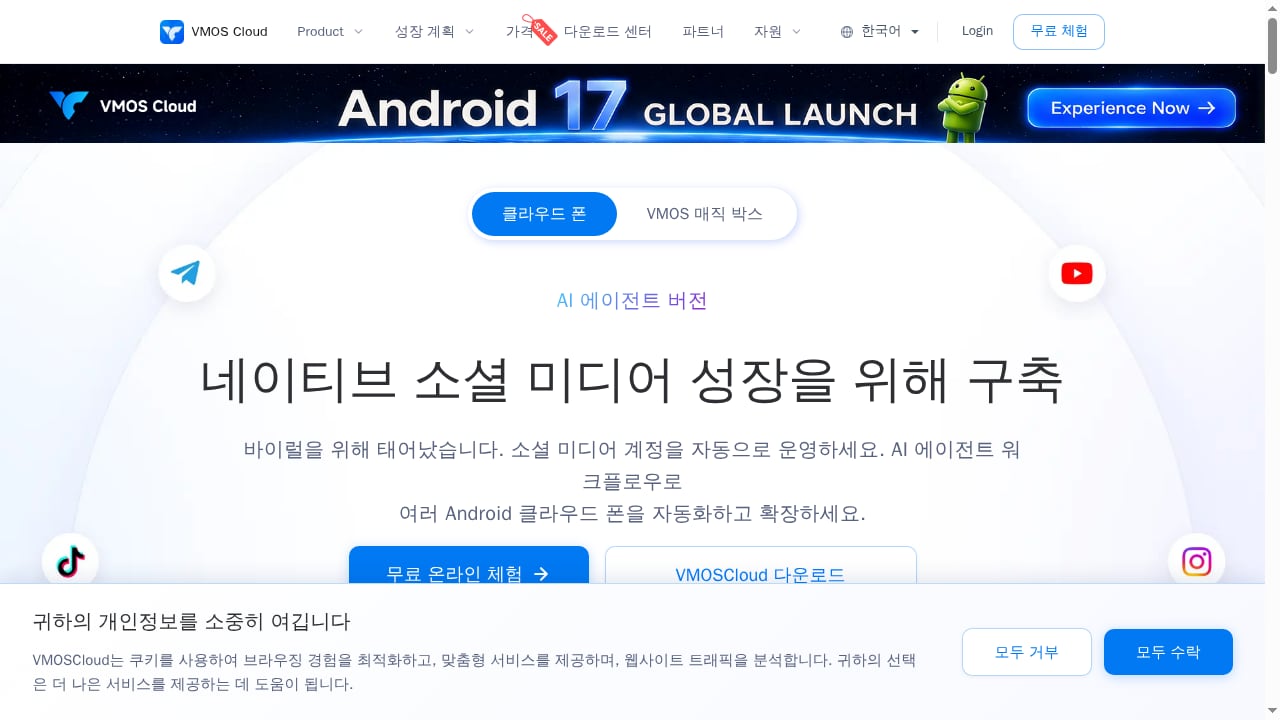
First viewport screenshot of AI Cloud Phone for Social Media Multi-Account Automation- VMOSCloud.
VMOSCloud serves several distinct user groups:
- Social media teams managing multiple accounts on TikTok, Meta, WhatsApp, or Telegram.
- Automation engineers needing ADB, root access, APIs, or RPA capabilities.
- App developers and QA teams testing across multiple device models without downloading each emulator locally.
- Gamers who want to play high-end games on cloud devices when their local hardware is limited.
- Phone farm operators running batch control for account warming or engagement.
If you need a single cloud phone for occasional testing, VMOSCloud may be overkill. If you manage dozens of accounts or need scalable automation, it becomes more relevant.
Core Features and How They Perform
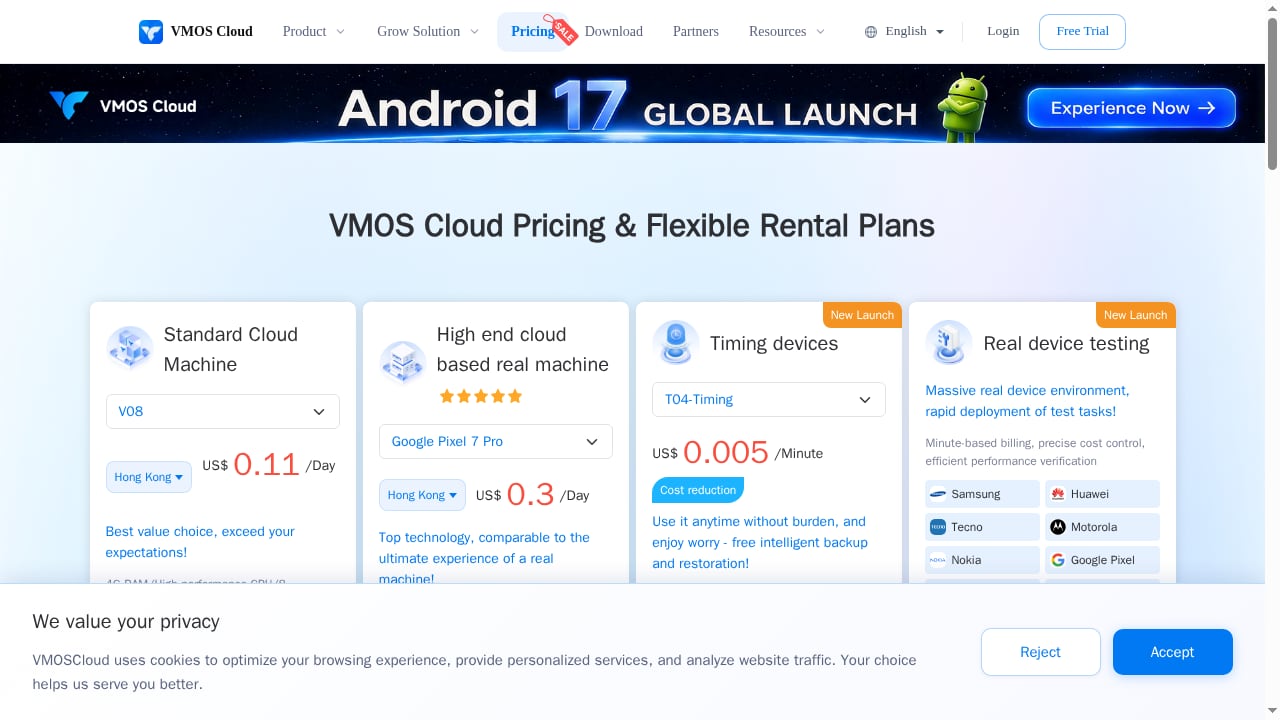
First viewport screenshot of VMOS Cloud Pricing - Pay-Per-Minute Cloud Phone Rental & Flexible Plans.
Device Selection and Launch
VMOSCloud offers a wide range of emulator options. You can pick a standard virtual device with your choice of RAM and cores, or select a specific model from Samsung, Google, Vivo, Oppo, and others. This flexibility is a strong point.
Launch times vary. After initialization, the first launch can take around 3 minutes. Restarts take about 2 minutes, but closing and relaunching the emulator window can bring it back in roughly 10 seconds. Performance on high-end models may not match the real device—one reviewer noted a Samsung S24 Ultra emulator felt jittery, with app launch lag and low refresh rate. The device fingerprint may also be masked to appear as a higher-end model, which could affect performance expectations.
Automation and AI Agent
VMOSCloud provides pre-built automation templates for link clicks, auto-likes, and comments. You can also create custom templates without coding. To start an automation, you select a template, assign a proxy pool, and choose devices. For more advanced needs, VMOS offers custom AI agents through customer support and MCP server control for Google Play, YouTube, WhatsApp, and Kling.
The AI agent still needs polishing before it becomes genuinely useful for complex tasks. Automation templates cover major platforms like TikTok, Meta, and Google but lack some other popular social networks.
Proxy Support and Integration
VMOSCloud integrates OwlProxy, allowing you to purchase proxies within the app and connect them to cloud phones. However, proxy pricing is high—one source noted a standard IP in a cost-effective zone at $8.99, which is expensive compared to many proxy providers. Bulk import of third-party proxies can be problematic; users report difficulties importing SOCKS5 proxies in the suggested format. A single proxy may work after several attempts.
A critical issue: if your proxy location does not match your device location, fingerprint tests like Pixelscan can detect the mismatch instantly. This can lead to social media account bans for spoofing. VMOSCloud could improve by warning users about location mismatches before adding a proxy.
Google CTS Certification
Higher-end VMOSCloud devices and specific models like Google Pixel and Samsung Galaxy have Google CTS (Compatibility Test Suite) certification. CTS improves credibility because it indicates the device follows Google's compatibility requirements. This reduces the risk of bans when using emulators, as most emulators lack CTS. Standard devices may not have CTS certification, so check before relying on it for sensitive accounts.
Pricing Signals
VMOSCloud uses a modular, usage-based pricing model. You pay for the device type, duration, and additional services like proxies. Because pricing is complex and varies by configuration, it is difficult to provide a single figure. Expect higher costs for high-end models, longer usage, and proxy add-ons. The platform also offers multiple products with separate pricing structures, so verify you are subscribing to VMOSCloud specifically.
For budget-conscious users, compare VMOSCloud's pricing with alternatives like DuoPlus Cloud Phone or anti-detect browsers. See our DuoPlus vs ChangChang vs SessionBox One comparison for a broader view of multi-account tools.
Setup and User Experience
Getting started with VMOSCloud involves signing up, downloading the desktop app, and initializing devices. The payment process is smooth, and core features are accessible from a left-side panel. The interface avoids excessive pop-ups, which is a plus.
However, some parts of the app remain in Chinese even when English is selected. This can be frustrating for non-Chinese speakers. As a product from Hunan XiaoSuan Technology Co. Ltd., localization is still a work in progress.
Strengths and Limitations
Strengths
- Wide range of device models and configurations.
- Built-in proxy integration (OwlProxy).
- Automation templates for major social platforms.
- Google CTS certification on select devices.
- Batch control and overseas access.
- No local resource drain.
Limitations
- Performance on high-end emulators may not match real devices.
- Proxy import for third-party providers is unreliable.
- OwlProxy pricing is high.
- AI agent needs refinement.
- Partial Chinese localization.
- Complex, usage-based pricing.
- Potential fingerprint masking issues.
VMOSCloud vs Alternatives
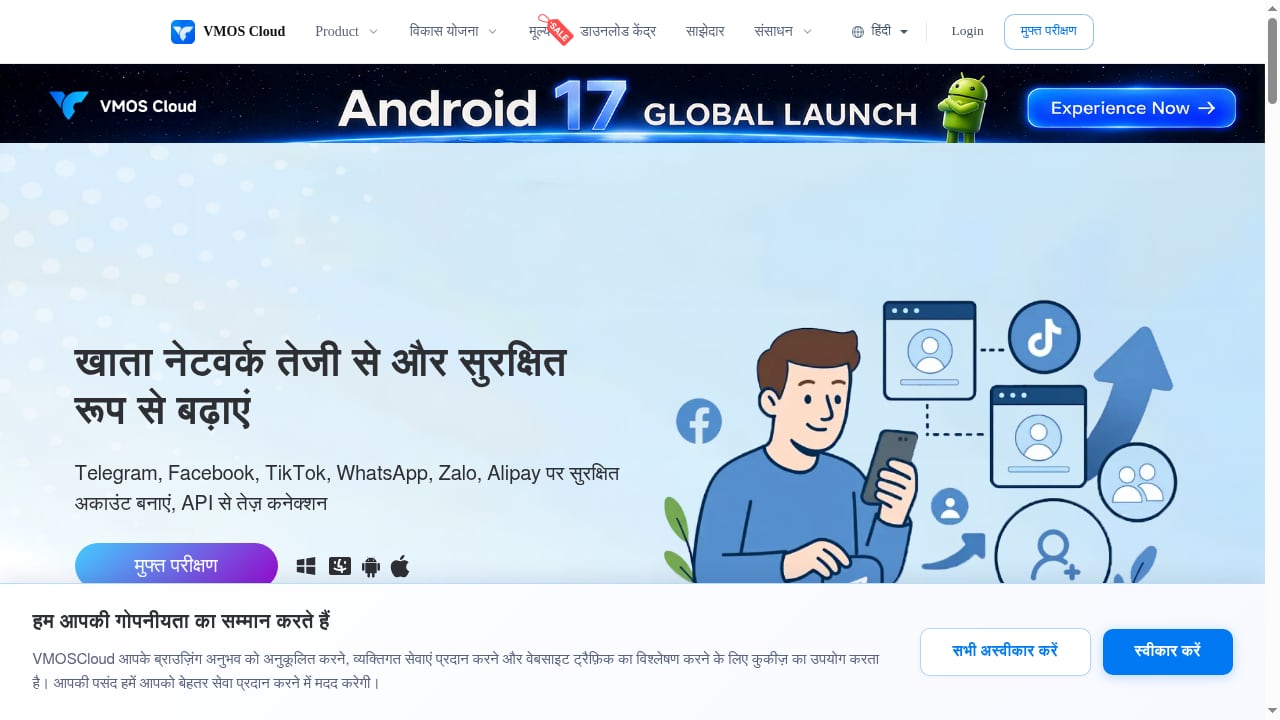
First viewport screenshot of Account Growth - VMOSCloud.
When evaluating VMOSCloud, consider these alternatives:
- DuoPlus Cloud Phone: Another Android cloud phone with strong multi-account features. See our DuoPlus Cloud Phone vs Antidetect Browser (Hidemium) for a detailed comparison.
- Anti-detect browsers: Tools like GoLogin, Hidemium, and others offer browser-based multi-account management. They may be cheaper and easier to use for web-based social media, but lack real Android environments. Check our Top 10 Anti-Detect Browser Products 2026 for options.
- Physical phone farms: More expensive and harder to scale, but offer real device fingerprints.
For a comprehensive ranking, see Top 10 Antidetect Browser & Cloud Phone Tools 2026.
Decision Criteria: Is VMOSCloud Right for You?
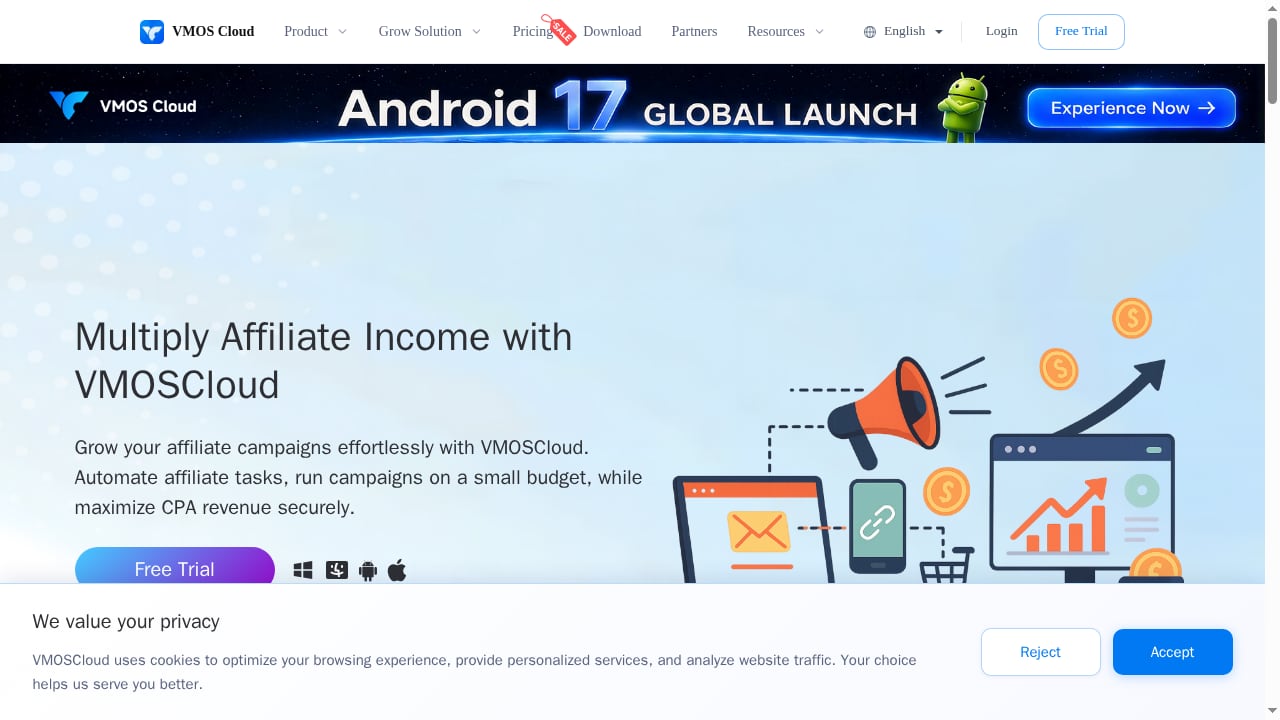
First viewport screenshot of Multiply Affiliate Marketing - VMOSCloud.
Ask yourself:
- Do you need real Android environments for mobile-only apps like TikTok or WhatsApp? If yes, a cloud phone is necessary.
- How many accounts do you manage? If more than 10, batch control becomes valuable.
- What is your budget? VMOSCloud's usage-based pricing can add up, especially with proxies.
- Do you require CTS certification for high-risk accounts? If so, choose higher-end models.
- Are you comfortable with some Chinese text in the interface?
- Do you need advanced automation? VMOSCloud's templates are a good start, but custom AI agents may require support.
If you need a simpler, browser-based solution for web platforms, an anti-detect browser may suffice. If you need mobile app automation at scale, VMOSCloud is a strong contender.
Related reading
- How to Use DuoPlus Cloud Phone with Webshare Proxies - Step-by-step guide to pairing DuoPlus Cloud Phone with Webshare proxies: single and batch SOCKS5 setup, rotation, geo-targeting, and multi-account workflows.
Sources and further reading
- VMOS Cloud Reviews - Trustpilot - Cloudphone seems reliable and well trusted, i have tried lots of cloud phone but was frustrated, but since I started using it, I have had the best experience.
- VMOS Cloud Phone Review: Pricing, AI Agent & Alternative in 2026 - Read our honest 2026 VMOS Cloud review. We test its AI Agent, root access, and complex pricing plus reveal if it's safe for TikTok or if Gologin is better.
- VMOS Cloud Reviews | 2 of 3 - Trustpilot Reviews - Cloudphone seems reliable and well trusted, i have tried lots of cloud phone but was frustrated, but since I started using it, I have had the best experience.
FAQ
Is VMOSCloud safe for TikTok?
VMOSCloud offers Google CTS certification on select devices, which reduces ban risk. However, proxy mismatches and fingerprint masking can still trigger detection. Use residential proxies that match device location and test with a few accounts first.
Can I use my own proxies with VMOSCloud?
Yes, but bulk import can be unreliable. You may need to add proxies individually. Ensure the proxy location matches the device location to avoid fingerprint mismatches.
How much does VMOSCloud cost?
Pricing is usage-based and varies by device model, duration, and add-ons. It is difficult to give a single price. Expect higher costs for high-end devices and proxies. Compare with alternatives before committing.
Does VMOSCloud support automation?
Yes, it offers pre-built templates for likes, comments, and clicks, plus custom automation and AI agents. However, the AI agent is still evolving and may need support for complex workflows.
What are the main alternatives to VMOSCloud?
DuoPlus Cloud Phone, GoLogin, Hidemium, and other anti-detect browsers are common alternatives. Each has different strengths depending on whether you need real Android environments or browser-based profiles.
Conclusion
VMOSCloud is a capable Android cloud phone platform for social media multi-account automation, app testing, and gaming. Its wide device selection, automation templates, and CTS certification on high-end models are significant advantages. However, performance inconsistencies, proxy import issues, high proxy costs, and partial localization are drawbacks. Pricing is complex and usage-based, so budget carefully.
If you need scalable mobile environments for social media operations, VMOSCloud is worth testing. Start with a small setup, verify proxy and device matching, and compare with alternatives like DuoPlus Cloud Phone or anti-detect browsers to ensure the best fit for your workflow.