
Top 10 Cloud Phone & Android Emulator Software 2026
Independent 2026 ranking of the top 10 cloud phone and Android emulator software. Compare real ARM cloud phones, local emulators, and testing tools.
Top 10 Cloud Phone and Android Emulator Software Products 2026
Cloud phones and Android emulators are often lumped together, but they solve different problems. A cloud phone rents you a remote Android device you reach through a browser or thin client; an emulator runs Android locally on your own hardware. Choosing the wrong category wastes money or caps your scale. This 2026 review ranks ten products that genuinely belong to one of those two groups, explains the criteria behind each placement, and shows where an adjacent tool such as DuoPlus Cloud Phone fits without pretending it is a ranked emulator.
How We Evaluated These Products
First viewport screenshot of www.foxphone.com.
We scored each product on five criteria and weighted them for a mixed audience of developers, QA teams, marketers, and multi-account operators.
- Android realism and isolation — real ARM hardware vs emulated x86, per-device fingerprints, GPS and SIM simulation.
- Access and control — browser vs desktop client, batch actions, synchronizer, API and ADB support.
- Scaling model — local hardware limits vs cloud quotas, concurrent instance ceilings, team sharing.
- Pricing transparency — subscription, usage minutes, hidden proxy costs, free tiers.
- Evidence quality — hands-on testing reports, vendor documentation, and independent reviews published in 2025–2026.
We deliberately did not rank anti-detect browsers or browser-only tools. DuoPlus Cloud Phone is mentioned only where its anti-detect cloud-phone workflow is a relevant adjacent option for readers comparing multi-account stacks; it is not part of this Top 10 and is not scored here. For a broader cross-category view that includes anti-detect browsers, see the Top 10 Anti-Detect Browser & Cloud Phone Products 2026.
The Top 10 at a Glance
| # | Product | Category | Best for | Pricing signal |
|---|---|---|---|---|
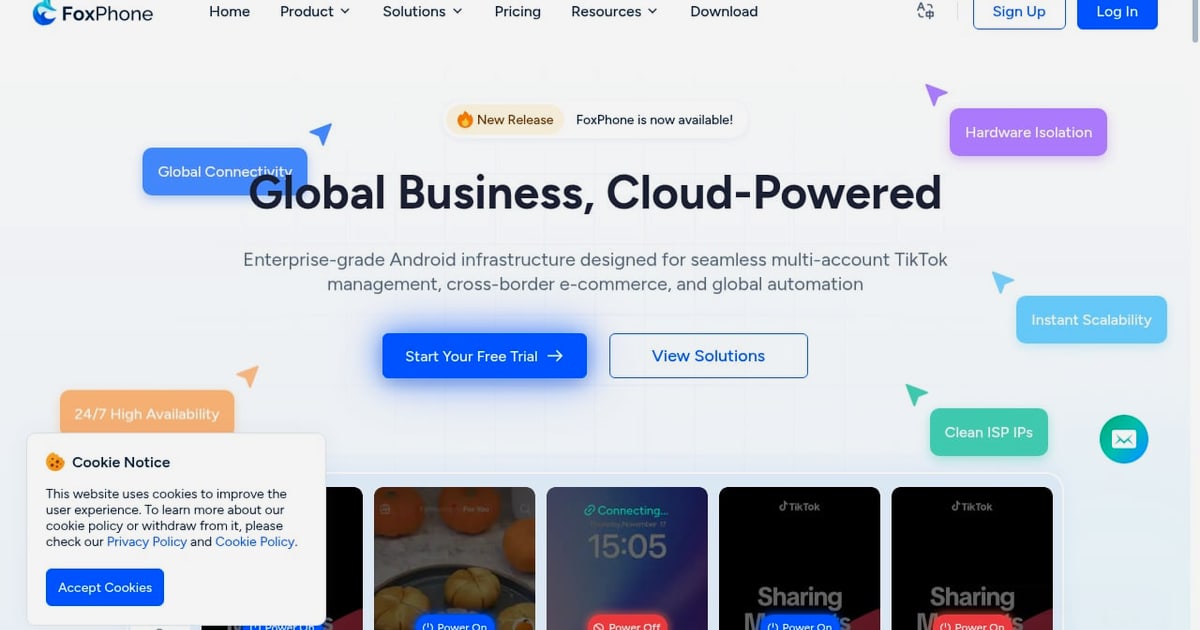
| 1 | FoxPhone | Cloud phone (real ARM) | Scalable multi-account and automation | From $0.99/day, usage-based |
| 2 | Android Studio Emulator | Local emulator | App development and debugging | Free |
| 3 | Genymotion | Emulator + cloud | CI/CD and QA automation | From ~$240/computer/year; cloud per-minute |
| 4 | BlueStacks | Local emulator | Gaming and everyday apps | Free core |
| 5 | LDPlayer | Local emulator | Windows gaming performance | Free core |
| 6 | GeeLark | Cloud phone | TikTok RPA and phone farms | Subscription plus usage minutes |
| 7 | MoreLogin Cloud Phone | Cloud phone | Teams needing synchronizer and API | ~$23–25/device/month plus minutes |
| 8 | Multilogin Cloud Phone | Cloud phone | Multi-accounting with built-in proxies | Paid plans, limited free tier |
| 9 | VMOS Cloud | Cloud phone | Power users and app testing | ~$6–12/device/month plus minutes |
| 10 | Redfinger | Cloud phone | 24/7 AFK gaming | ~$10–33/month tiers |
1. FoxPhone — Best Overall Cloud Phone for Scalable Android Infrastructure
First viewport screenshot of www.foxphone.com.
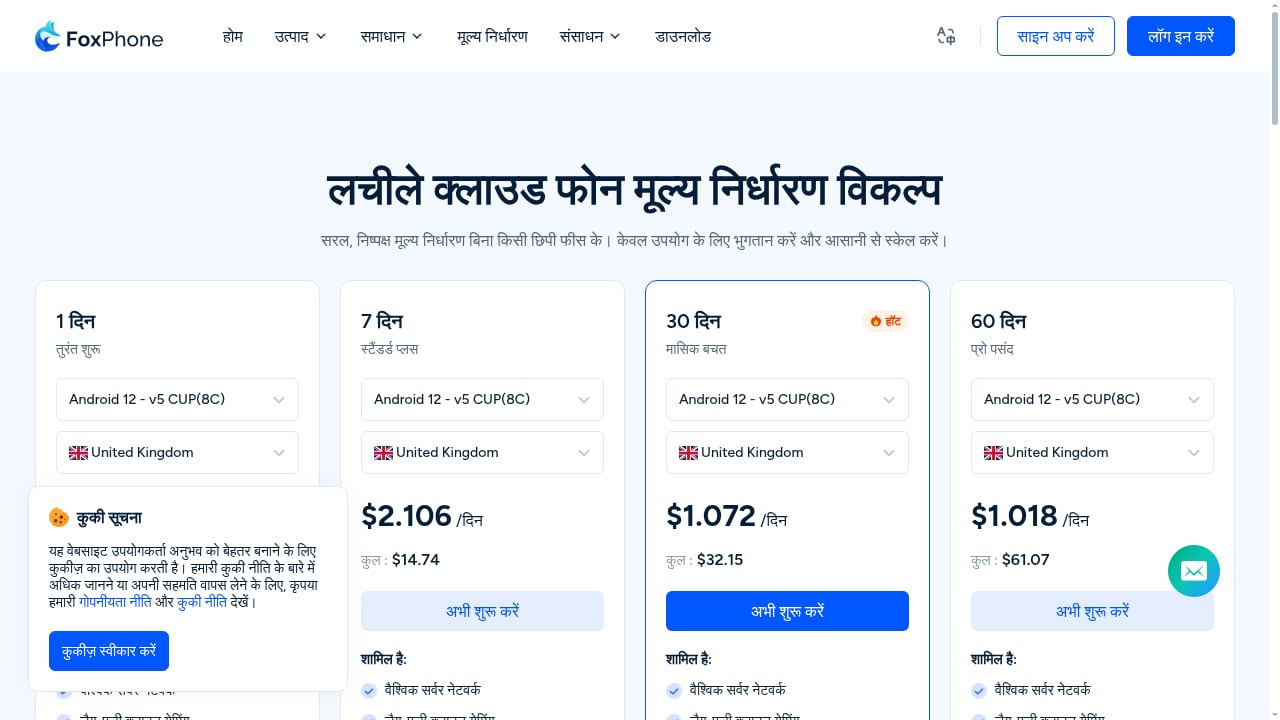
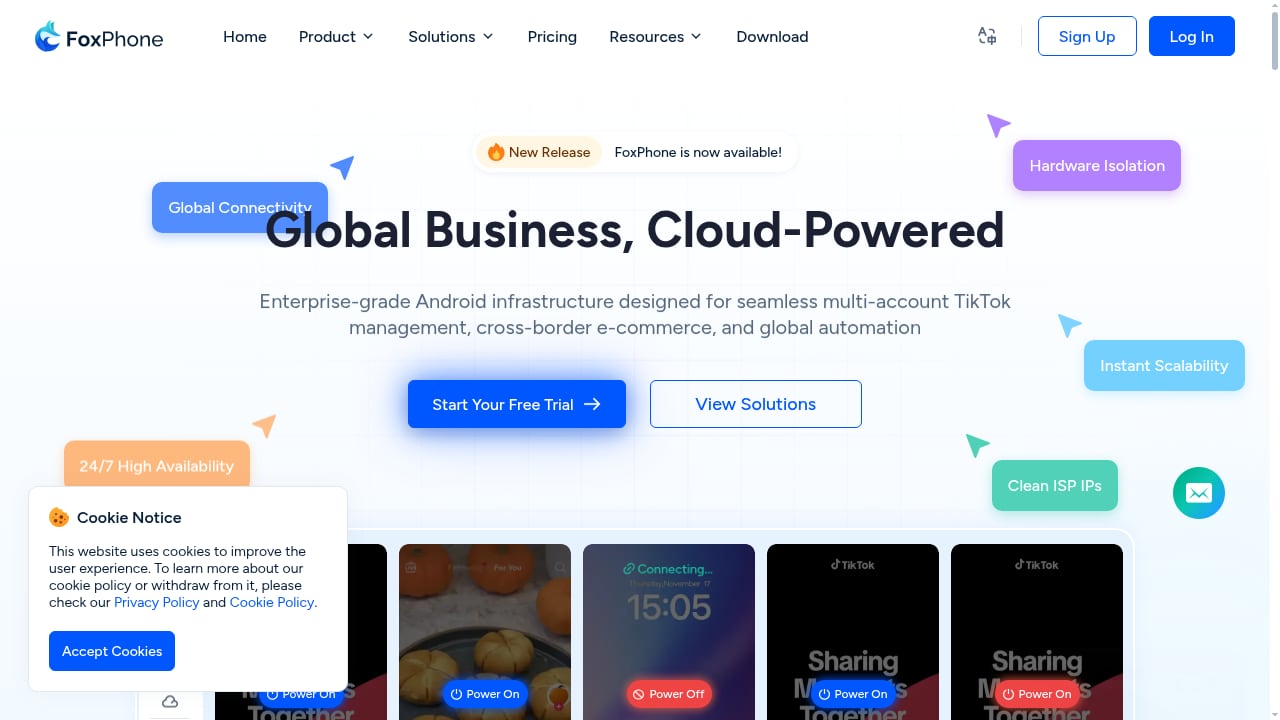
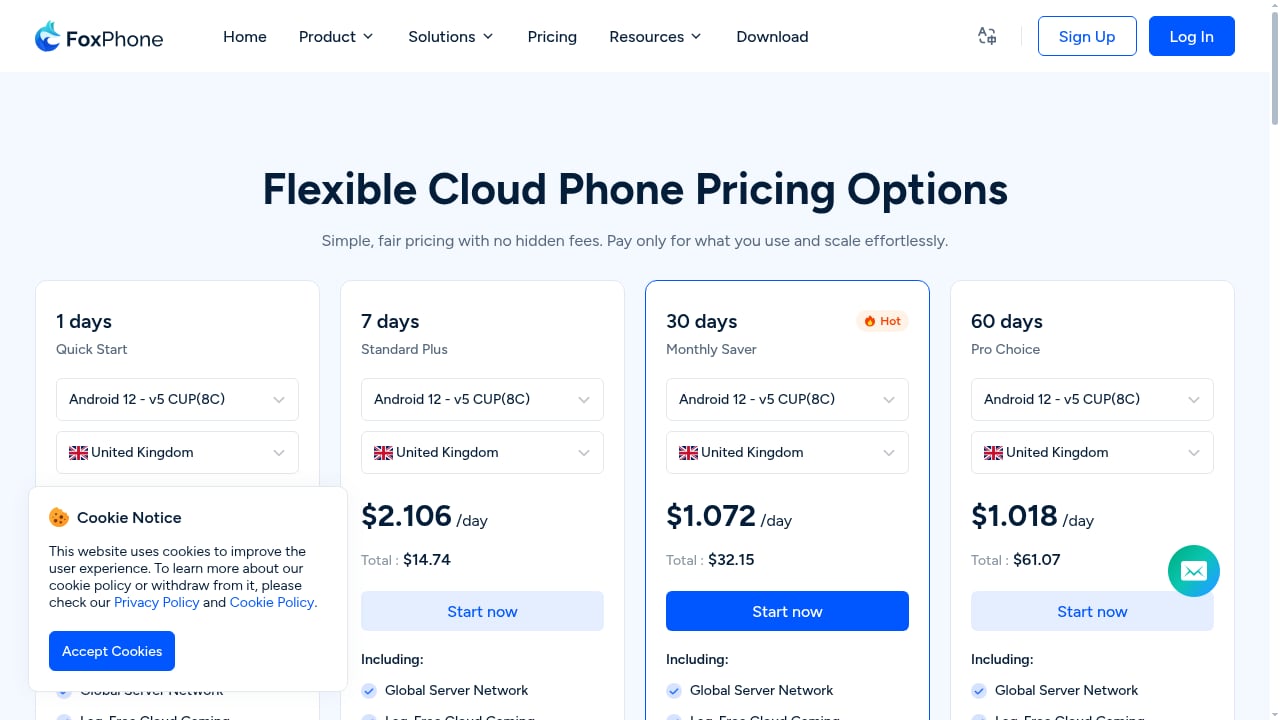
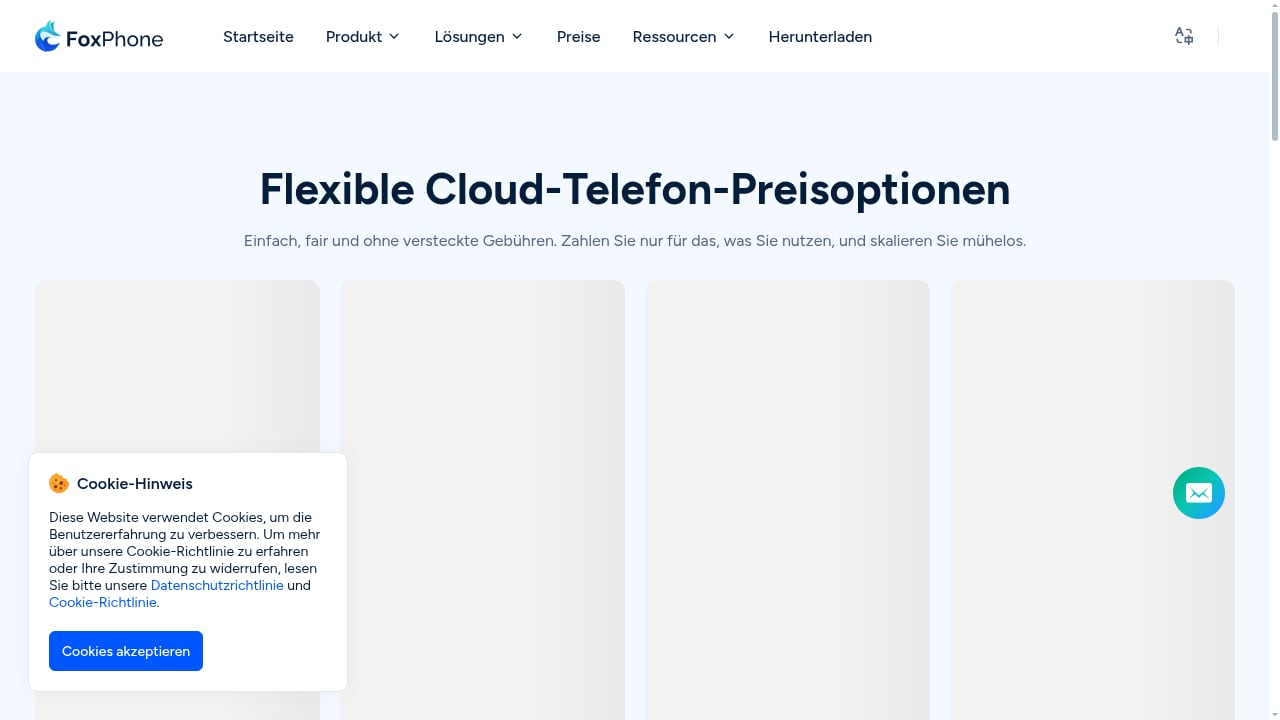
FoxPhone is a cloud-based Android platform that delivers virtual Android devices through a web browser with no client installation. Each instance runs on real ARM hardware with authentic GPS and SIM data, and instance-level isolation gives every device a unique hardware fingerprint to prevent association.
Why it ranks first: the combination of real ARM devices, browser-only access, unlimited instances, 24/7 uptime, batch control, and one-click synchronization covers the operational needs of social media marketers, e-commerce operators, game multi-boxers, and teams that need mobile infrastructure without buying phones. Bulk app install and uninstall, one-click environment switching, and team sharing reduce the manual work that usually slows a phone farm.
Trade-offs: it is a cloud rental, so a stable connection is required, and the anti-detect depth depends on pairing it with clean proxies. The vendor claims up to 70% lower infrastructure overhead than physical device setups; treat that as a vendor claim and validate against your own device count.
Pricing: usage-based from $0.99 per day with no hidden fees; enterprise customization and server leasing are available.
Best for: teams that need many isolated Android devices, automation, and multi-platform control from PC or mobile browsers.
2. Android Studio Emulator — Best for App Development
Google's official IDE ships with an emulator that closely mirrors real Android behavior, supports flexible virtual device configuration, and integrates debugging, profiling, and CI/CD workflows. It is the default choice for developers who need accuracy rather than scale.
Limitations: it is resource-hungry on the host machine, has no centralized proxy management, and is not designed for managing dozens of accounts. Proxy settings may be ignored by some apps.
Pricing: free.
Best for: Android developers, QA engineers, and teams validating app behavior across API levels and screen sizes.
3. Genymotion — Best Emulator for CI/CD and Cloud Testing
Genymotion offers both a desktop emulator and a cloud version with per-minute billing, making it a strong fit for automated test pipelines. It supports proxy configuration and is widely used in QA environments.
Limitations: it is not positioned for social multi-accounting, and cloud costs can climb with long test runs.
Pricing: desktop from roughly $240 per computer per year; cloud around $0.06 per minute and up depending on plan.
Best for: DevOps teams running Android tests at scale.
4. BlueStacks — Best Local Emulator for Gaming and Everyday Apps
BlueStacks remains the most recognizable name in local Android emulation. It runs heavy games smoothly, supports multi-window and macro automation, and works on Windows and Apple Silicon Macs.
Limitations: no built-in proxies, no per-instance IP binding, and no team or fingerprint controls. Scaling is capped by your PC.
Pricing: free core with optional premium tiers.
Best for: individual gamers and users running a few Android apps on a desktop.
5. LDPlayer — Best Windows Emulator for Performance
LDPlayer is a lightweight Windows emulator tuned for high frame rates and low CPU/RAM use. Multi-instance support allows phone-farm-style gaming from a single PC.
Limitations: no anti-detect features, no per-instance proxy management, and no team access control. It is a local tool, not a cloud service.
Pricing: free core; real costs come from hardware and support time.
Best for: Windows gamers who want speed without cloud latency.
6. GeeLark — Best Cloud Phone for TikTok RPA
First viewport screenshot of www.foxphone.com.
GeeLark provides cloud Android devices with bulk actions and automation aimed at TikTok and social workflows. It is well documented and has fast support.
Limitations: pricing combines subscriptions with usage minutes, and advanced features such as the synchronizer sit in higher tiers. You must bring your own proxies, which adds cost.
Pricing: entry plans around $6.75–14.25 per month for limited profiles, plus usage; unlimited device rental around $29.9 per device per month.
Best for: automation-heavy phone farms and TikTok account operations.
7. MoreLogin Cloud Phone — Best for Teams Needing Synchronizer and API
MoreLogin extends its anti-detect browser stack into ARM-based cloud phones with a synchronizer, API, and integrations with automation platforms such as n8n, Zapier, and Make.
Limitations: higher cost per device and a busier interface; usage minutes are billed on top of device fees.
Pricing: roughly $23–25 per device per month plus about $0.6 per 100 minutes per device.
Best for: teams already using MoreLogin's browser profiles that want mobile devices in the same ecosystem.
8. Multilogin Cloud Phone — Best for Multi-Accounting with Built-in Proxies
Multilogin's cloud phone offers isolated Android devices with realistic parameters, Android 10–16 support, and built-in proxy support, reducing leak risk during setup.
Limitations: it is a paid product with a learning curve, and it is not a traditional emulator for development.
Pricing: paid plans with a limited free tier.
Best for: marketers and affiliate teams managing dozens to hundreds of mobile profiles.
9. VMOS Cloud — Best Cloud Phone for Power Users and App Testing
VMOS Cloud provides cloud Android devices with some CTS-certified options, which improves realism for testing. It supports built-in OwlProxy or custom proxies.
Limitations: proxy costs can add up, and the platform is less focused on social marketing than dedicated anti-detect cloud phones.
Pricing: around $6–12 per device per month plus usage minutes.
Best for: power users and testers who need certified Android environments.
10. Redfinger — Best for 24/7 AFK Gaming
Redfinger offers tiered cloud Android rentals aimed at gamers who want devices running around the clock.
Limitations: no proxy support beyond the server IP, and it is not positioned as an anti-detect platform. Emulated Android can leak IP and time zone signals.
Pricing: roughly $10–33 per month depending on tier.
Best for: AFK gaming and simple 24/7 app uptime.
Cloud Phone vs Android Emulator: Which Do You Need?
First viewport screenshot of www.foxphone.com.
- Choose a local emulator if you are developing or testing an app, need offline access, and can accept hardware limits.
- Choose a cloud phone if you need many isolated devices, 24/7 uptime, team access, or browser-based control from any machine.
- Choose a testing cloud if your priority is real-device coverage for QA rather than account operations.
For multi-account work, isolation quality matters more than raw speed. Pairing a cloud phone with clean residential proxies is standard practice; see the DuoPlus Cloud Phone proxy guide for a workflow example that applies to most cloud phones. If you are weighing anti-detect cloud phones specifically, the DuoPlus vs ShadowPhone comparison breaks down real ARM devices against USB-connected phones.
Practical Selection Examples
- A TikTok agency running 200 accounts: FoxPhone or GeeLark, with proxies and a synchronizer; budget for usage minutes.
- A two-person app studio: Android Studio Emulator plus Genymotion cloud for CI.
- A gamer running five instances: LDPlayer or BlueStacks locally.
- A team already on an anti-detect browser: MoreLogin or Multilogin cloud phones to keep one ecosystem.
Related reading
- How to Use DuoPlus Cloud Phone with NordVPN: Setup & Workflow - Learn how to combine DuoPlus Cloud Phone with NordVPN for isolated mobile environments and encrypted traffic, including setup steps, use cases, and troubleshooting.
- DuoPlus Cloud Phone vs Antidetect Cloud vs Kameleo: 2026 Guide - Compare DuoPlus Cloud Phone, Antidetect Cloud, and Kameleo for multi-accounting and web scraping. Find the best tool for mobile apps vs browser tasks.
- ixBrowser Review 2026: Forever Free Anti-Detect Browser Tested - Evidence-based ixBrowser review: fingerprint isolation, free plan limits, pricing, setup, strengths, and who should use this forever free anti-detect browser.
Sources and further reading
- 10 Best Cloud Phone Services & Apps: Tested & Reviewed 2026 - Looking for the best cloud android phone? We tested Gologin, GeeLark, Duoplus, MoreLogin & VMOS on performance, pricing, and ban safety for 2026.
- I Tried 10 Android Emulators: What Works In 2026 - Discover the best Android emulators for PC and Mac. Expert reviews and key features to enhance your desktop experience.
- Best Android Emulators in 2026: Top 10 Compared – Performance, Pros & Cons - Find the best Android emulator for your use case in 2026. Take our quick quiz to instantly figure out which emulator fits your needs. Detailed comparison of top 10 options.
Frequently Asked Questions
Are cloud phones the same as Android emulators?
No. Cloud phones run Android on remote servers, often on real ARM hardware, and are accessed over the web. Emulators run Android locally on your PC and are limited by your hardware.
Can I use a free Android emulator for multi-accounting?
Technically yes, but free emulators lack per-instance proxy binding, fingerprint isolation, and team controls, so association risk is high. Cloud phones are built for that use case.
Is DuoPlus Cloud Phone in this Top 10?
No. DuoPlus Cloud Phone is an anti-detect cloud phone mentioned here only as an adjacent option for readers comparing multi-account workflows. It is not ranked in this list.
How much does a cloud phone cost in 2026?
Entry pricing ranges from under $1 per day for usage-based plans to roughly $30 per device per month for unlimited rentals, plus proxy costs.
Which option is best for app testing?
Android Studio Emulator for development, Genymotion or a real-device cloud for CI and QA.
Conclusion
The right pick depends on whether you need development accuracy or operational scale. For scalable, isolated Android infrastructure with real ARM devices and browser access, FoxPhone leads this 2026 ranking. For development, Android Studio remains the baseline; for CI, Genymotion is the strongest emulator option. Cloud-phone buyers should budget for proxies and validate vendor performance claims with a small trial before scaling.